 Folders
How to open .HTML files (web pages) on Android, Windows and Linux
What an .html file is and how to open HTML, HTM, XHTML and SHTML files free on Android, Windows and Linux, as a finished page or as source code you can edit.
 Satyam Mishra5 min read
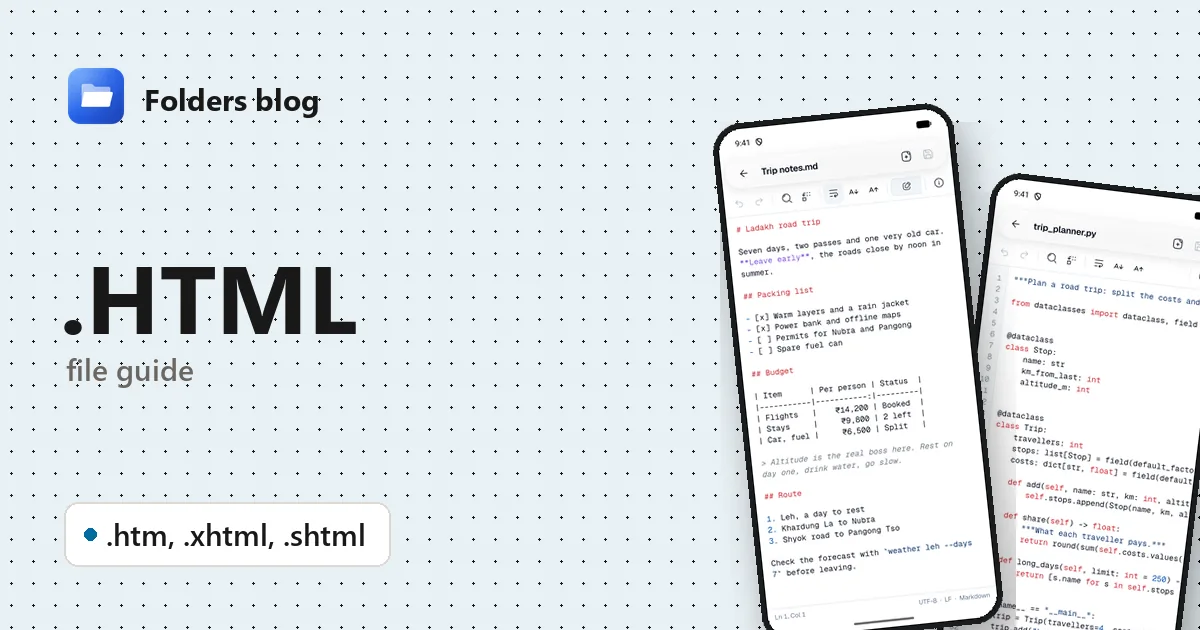
HTML files turn up far from web servers: a page you saved from your browser, a chat history exported from Telegram, a “download your data” archive, an email attachment. On a computer, double-clicking one opens your browser. On an Android phone, tapping it often does nothing useful.
Folders opens HTML files itself. On Android and Windows you can see the finished page or switch to its source code, edit it and save. On Linux, Folders shows the source and offers to open the page in your browser.
What is an .html file?
HTML (HyperText Markup Language) is the language web pages are written in. The file is plain text with tags around the content: <h1> for a heading, <p> for a paragraph, <a href="..."> for a link, <img src="..."> for a picture. A browser reads the tags and draws the page.
The pictures, style sheets (CSS) and scripts (JavaScript) are usually separate files that the HTML points to. That’s why a page saved from Chrome or Edge as “Webpage, Complete” comes with a folder called something like Page_files. The page needs that folder next to it to look right.
| Extension | What it is | Where you meet it |
|---|---|---|
.html |
A web page | Saved pages, exports, offline help files, reports |
.htm |
The same thing, with a three-letter extension from the days when Windows file names allowed only three | Older websites, Microsoft Office’s Save as Web Page, older tools |
.xhtml |
HTML written with XML’s stricter rules | E-book chapters (inside EPUB files), some documentation |
.shtml |
HTML with Server Side Includes: lines such as <!--#include virtual="/menu.html" --> that the web server replaces with other files before sending the page |
Older websites hosted on Apache |
How to open an .html file with Folders
On Android:
- Install Folders from the download page and allow file access.
- Find the page, for example in Downloads, or use search.
- Tap it. It opens as a rendered page.
- If it’s an attachment in an email or a chat app, tap it and choose Open with → Folders.
On Windows:
- Open the folder in Folders and double-click the page.
- Or, in File Explorer, right-click it → Open with → Folders. The installer adds Folders to that menu for HTML files, and your browser stays the default.
On Linux:
Folders has no built-in web view on Linux, so HTML opens on the Source view, with the code in the text editor. The Rendered page view explains this and offers Open in browser and Open with….
What you can do with it in Folders
- Rendered page: see the page as a browser would draw it, and zoom in. Pictures, style sheets and fonts in the page’s own folder, or a folder inside it such as
Page_files, load too; files outside it don’t. - Scripts stay off unless you choose otherwise. If the page contains JavaScript, Folders says so: “Scripts on this page are off. Turn them on only if you trust where the file came from.” Tap Enable scripts when you do.
- Links ask first. Tapping a link to a website shows its address with an Open button, which hands it to your browser, so you see where a link really goes before following it.
- Source: the HTML code in the text editor, with line numbers and highlighted tags and attributes (for .html, .htm and .xhtml), Find, Find and replace and Go to line.
- Edit and Save. Change a heading, fix a typo or remove a block, press Save, and the rendered page reloads with your change.
For an .shtml file, Folders shows the page as it is on disk. The parts the server would have pulled in through includes are simply missing.
Other ways to open .html files
- Any web browser (Chrome, Firefox, Edge) on a computer: double-click the file. Browsers on Android often can’t open a file straight from storage.
- VS Code or Notepad++ for working on the source.
- LibreOffice Writer and Microsoft Word can open HTML as an editable document, though complex layouts don’t survive well.
Problems opening an .html file?
- The page has no pictures or looks plain. It was saved as “HTML only”, or its
_filesfolder didn’t come along. Keep the folder next to the page with its name unchanged. Things the page loads from the internet also need a connection. - The page is blank. Some pages build their content with JavaScript. If you trust the file, tap Enable scripts.
- You didn’t expect an HTML attachment. Fake login pages sent as attachments are a common phishing trick. Folders keeps scripts off and asks before following links, but never type a password into a page that arrived as a file.
- Letters look garbled. The page doesn’t say which character set it uses, or says the wrong one. If the file is UTF-8, adding
<meta charset="utf-8">to the source fixes it.
Questions people ask
How do I open an HTML file on Android? Install Folders, tap the file, and it opens as a page. Switch to Source to see or edit the code.
How do I convert an HTML file to PDF? Open it in a browser on a computer and print it, choosing Save as PDF as the printer. Folders shows and edits HTML but doesn’t convert it.
Is it safe to open an HTML file? Reading one with scripts off is low risk, which is how Folders opens it. The danger is a page that asks for passwords or payment details, or a script you let run from a file you don’t trust.
HTML vs HTM: what’s the difference? None, apart from the extension. Both hold the same kind of page.
Building pages? See how to open CSS files and how to open JavaScript files, or the list of all 382 file types Folders opens.
Keep reading
How to open .3DM files (Rhino 3D models) on Android, Windows and Linux
What a .3dm file is and how to open Rhino 3DM models for free on Android, Windows and Linux without Rhino, and how to get a copy any 3D viewer can show.
How to open .3DS files (3D Studio models) on Android, Windows and Linux
What a .3ds file is and how to open 3DS, LightWave LWO and Quake II MD2 models for free on Android, Windows and Linux, with textures, skins and animations.
How to open .3GP files (old mobile phone videos) on Android, Windows and Linux
What a .3gp file is and how to open 3GP and 3G2 videos from old phones and MMS messages for free on Android, Windows and Linux, plus fixes for missing sound.