Folder
On your phone.
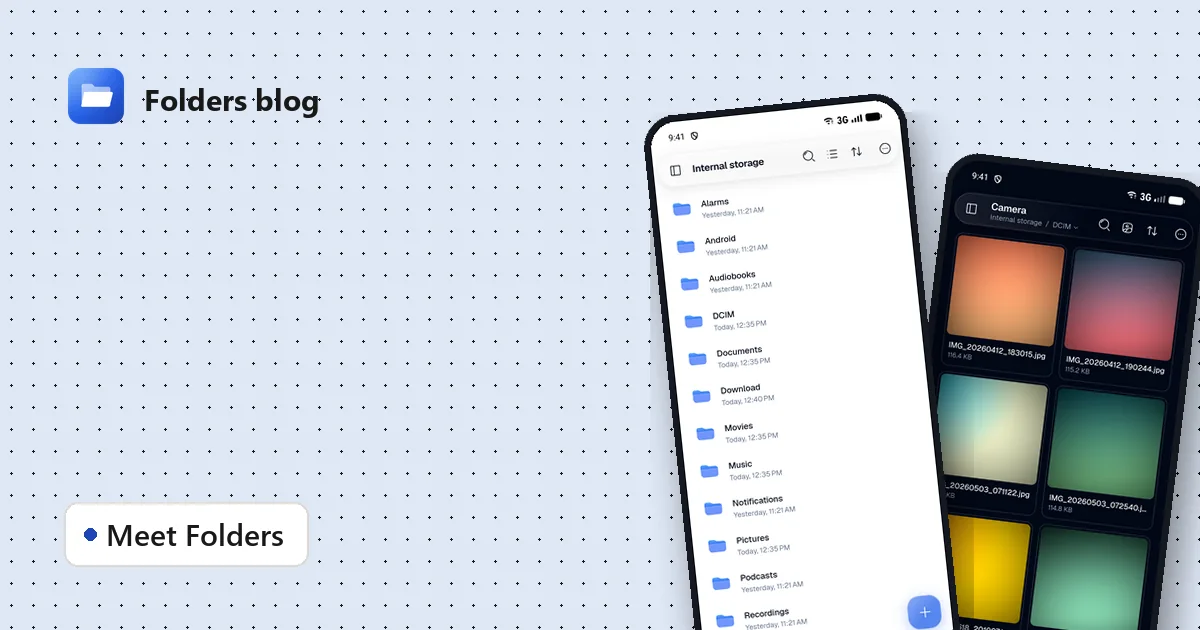
Liquid glass bars, big thumbnails, everything one tap away.

Folder is a free file manager that opens 382 kinds of files right inside the app: documents, photos, videos, archives, e-books, code, Markdown and even 3D models. On your phone, your tablet and your computer.
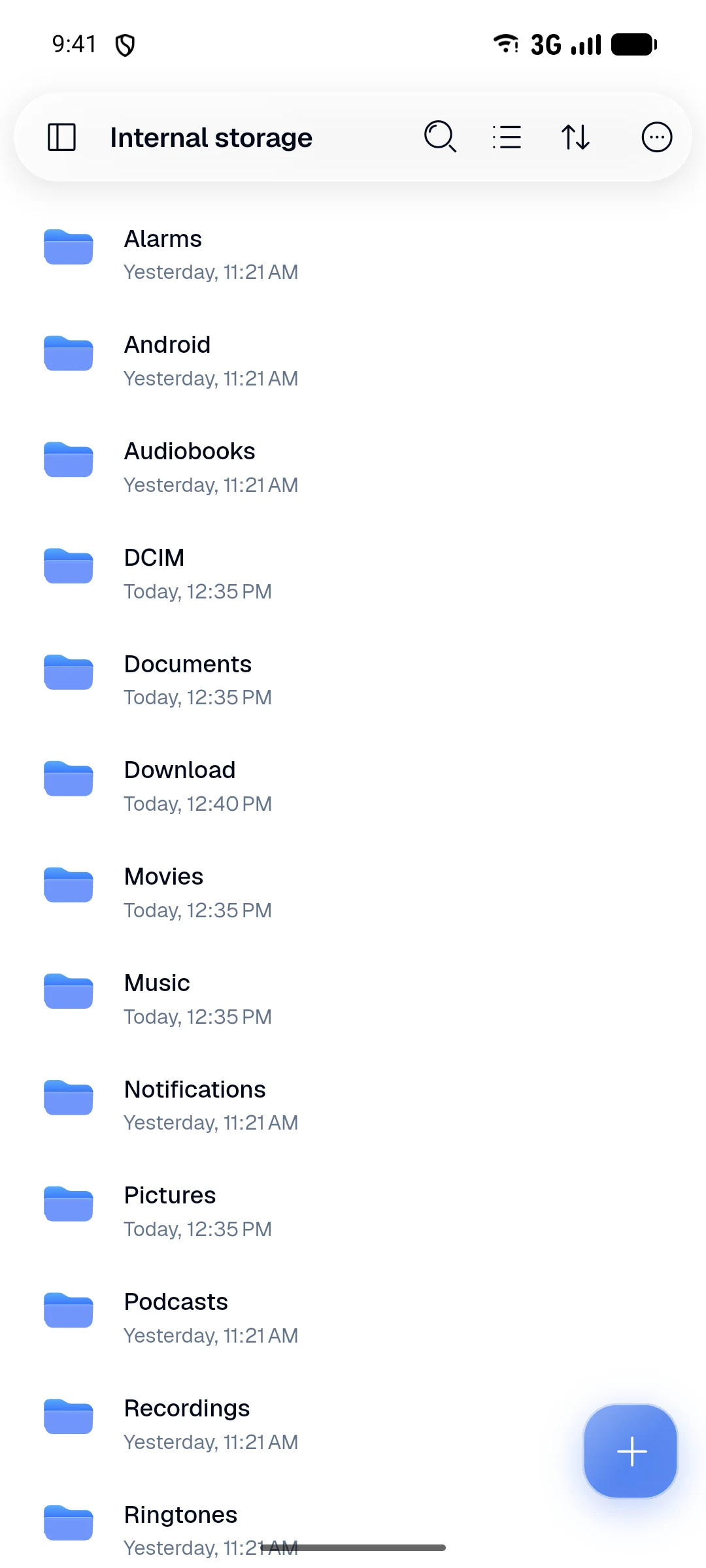

Your phone, your tablet, your laptop. Folder looks at home on each of them, with the same viewers, the same tools and the same look wherever you open it.
Liquid glass bars, big thumbnails, everything one tap away.
A proper dark mode, easy on the eyes at night.


The sidebar stays open, so your folders are always in reach.

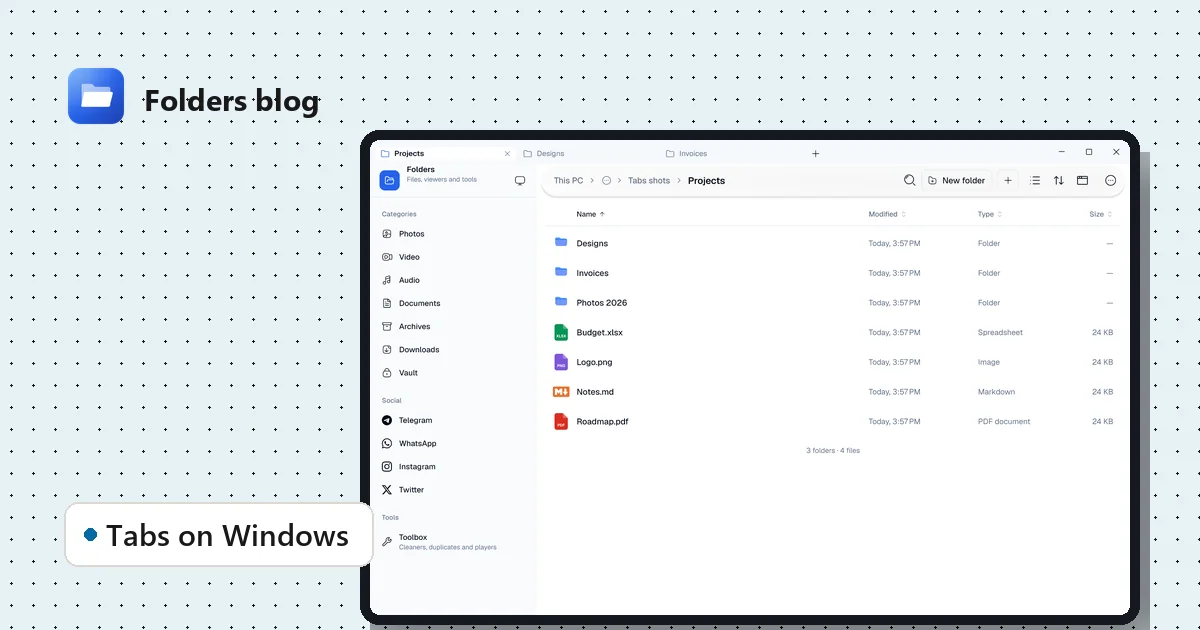
Tabs, windows, drag and drop, keyboard shortcuts and a see-through window on Windows.

382 kinds of files
No hunting for another app. PDFs, Word and Excel files, e-books, comics, archives, photos, videos, music, 3D models and design files all open in Folder, and many of them can be edited there too.

PDFs with search, bookmarks and signatures. Word and OpenDocument files, slides and text, all in one place, with the outline at your side.
Open Excel, OpenDocument and CSV files with their formulas, change a cell and save, without leaving Folder.

HEIC, AVIF, WebP and camera RAW, in a gallery view. Crop, rotate and add filters, turn a photo into another format, resize a batch, or copy the text out of a picture.

ZIP, RAR, 7z, TAR and disk images open like folders. Open one file from inside, or extract the lot.

3D viewer
Open STL, OBJ, 3MF, GLB, FBX and 24 more 3D formats without a CAD program. Spin it, zoom in, check it before you print. This dragon is a 20 MB 3MF file with almost two million triangles, turning in Folder on Android.


Drag to turn the model, pinch or scroll to zoom, and double-tap to frame it again. Auto-rotate shows it from every side.
See the mesh under the surface, stand the model on a ground grid, show its axes, or flip between Y-up and Z-up for 3D-print files.
Meshes, vertices, triangles, materials, textures, animations and its size, in a panel beside or below the model.
Animated GLB and FBX files play their clips: pick one, or play them all together.
Turn the model the way you like and save a screenshot of it, to share or to use as a thumbnail.
STL, 3MF, AMF, OBJ and G-code all open, so you can check a print from your phone before sending it to the printer.
Code, Markdown and text
130 kinds of code and config files open with syntax highlighting, from Python, JavaScript and Kotlin to YAML and SQL. Markdown shows as a clean page with headings, tables and checklists, and both can be edited and saved right there.


Line numbers, highlighting and word wrap for 130 code and config types, with the text size you like.
Switch between editing and the finished page. On a tablet or computer, edit on one side and watch the preview on the other.
Search with or without matching case, replace one or all, and jump to any line.
Undo, redo, format JSON in one tap, and save. Anything else opens in the hex viewer.
Video player
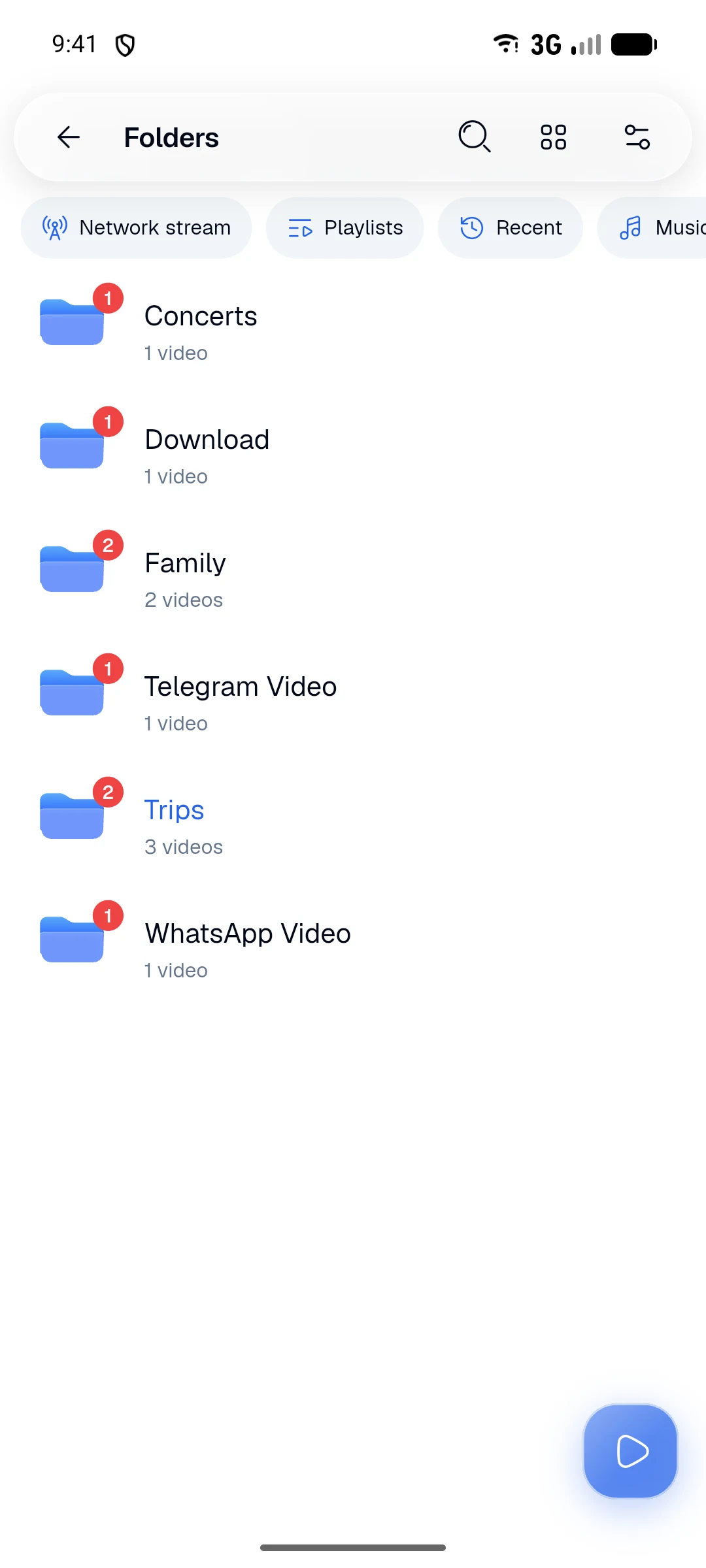
A real player built on mpv, with a library laid out like the players you know: folders, what you haven't watched yet, and where you stopped.
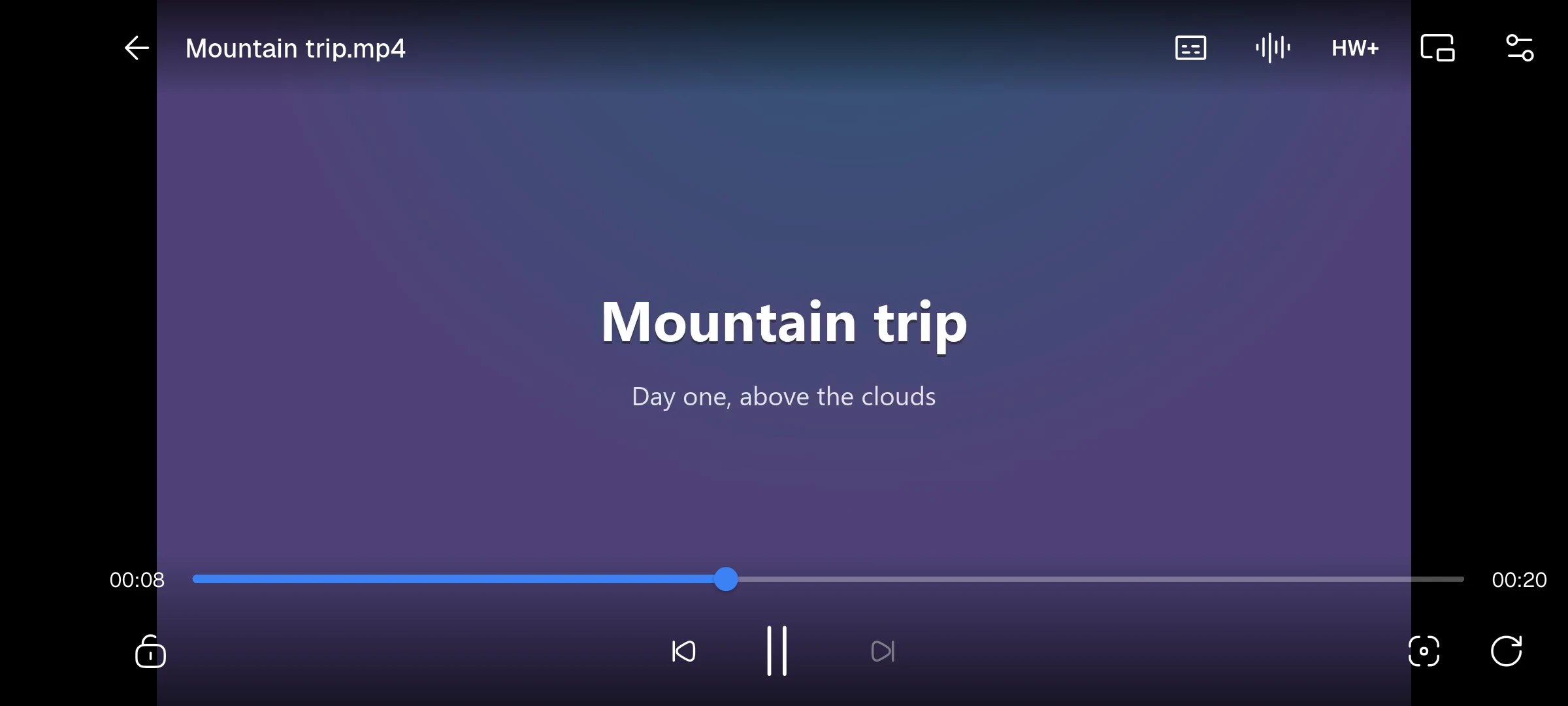

Search online right from the player, no account needed, or pick a file. Size, colour and timing are yours.
Pinch the picture in or out and move it around, or let Fit, Fill and Stretch do it for you.
Keep watching in a small window, or keep listening in the background with controls on the lock screen.
Hardware, direct hardware or software decoding, one tap away when a video looks wrong.
Paste a link to an HTTP, HLS, RTSP or RTMP stream and press play.
Faster lectures, slower recipes, and a timer for falling asleep halfway through a film.
Toolbox
A RAM cleaner, a junk cleaner, a duplicate finder and music and video players are built in, so you don't need four more apps. Each works the way your system allows and tells you only what it measured.
See memory in use and free what you can. On Android, Extreme mode closes other apps for you.
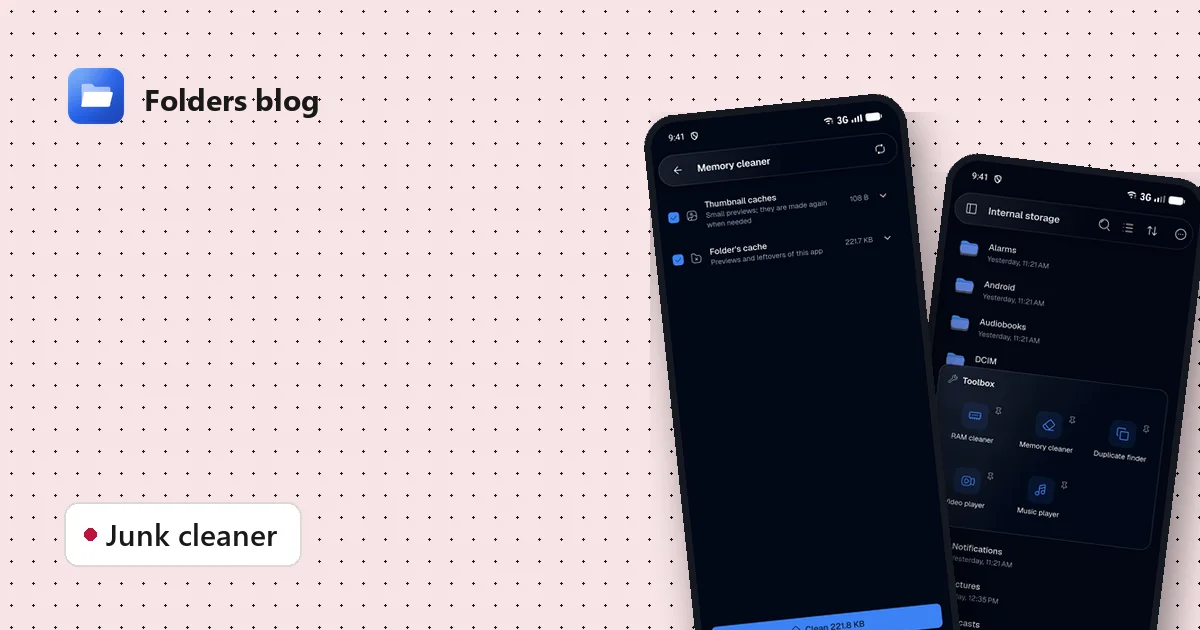
Finds caches, leftovers and junk. Only what's certainly safe to delete is ticked to begin with.
Compares what's inside files, not their names, so only true copies are listed.
All your songs in one queue, playing in the background.
Add a tool to your phone's app drawer or home screen, or to your desktop and Start menu, and open it in one tap.


Styles
Folder, Windows, Sweet and Dracula styles, light or dark, and a colour of your own. Change them in Options, or right from the video player.


Folder: clean and bright, in the colour you pick.
Pick the one that feels like yours. Buttons, highlights and progress bars follow it.
Follow your system, or choose. Phones also get Liquid glass: see-through, blurred bars and menus.
Two dark styles with their own folder and file icons, for people who like a bit of colour.
Sharing
Move photos and videos between your phone and computer over Wi-Fi, in a few taps.
Open your phone's files in any browser or FTP app on the same Wi-Fi. Scan the code and you're in. Nothing to install on the other side.
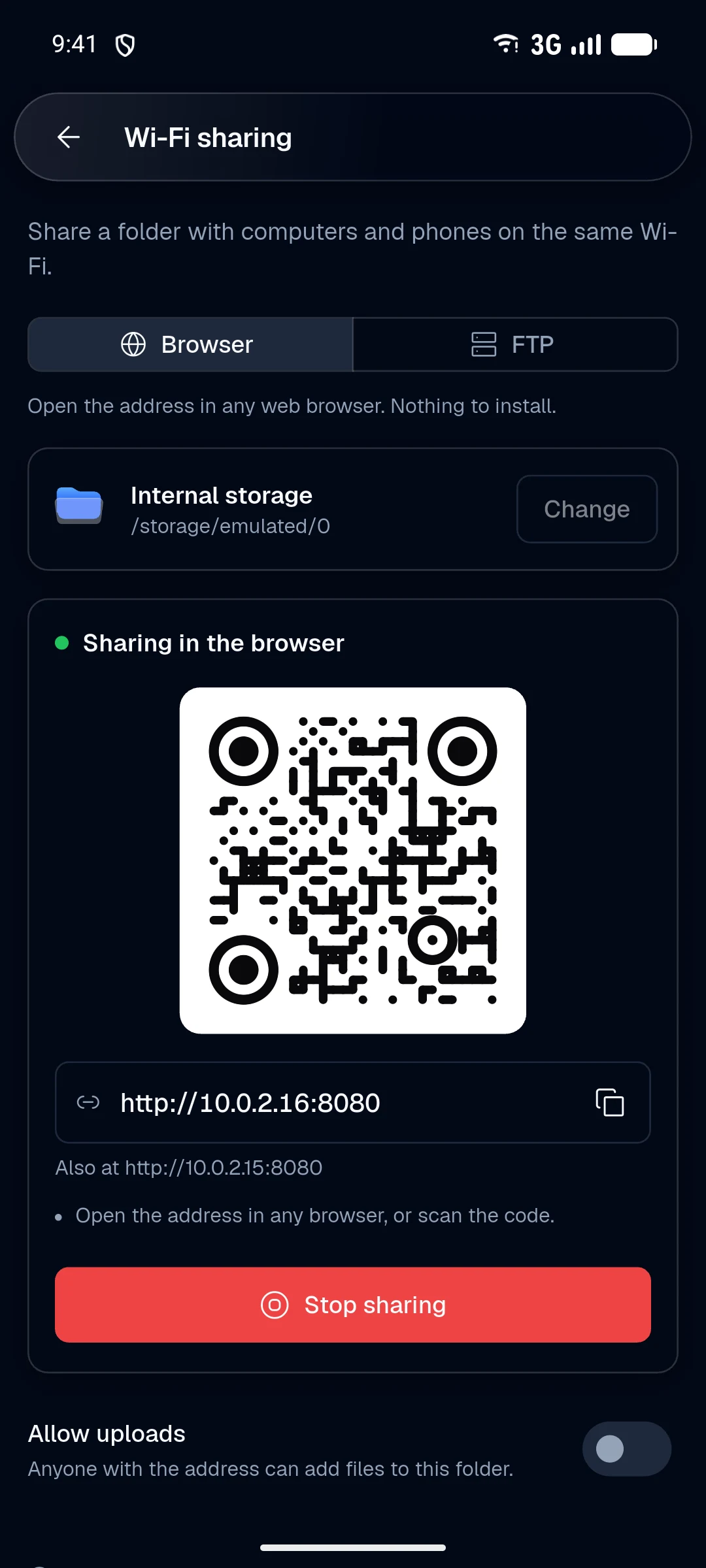
Send to and receive from nearby phones and computers. It speaks LocalSend, so it works with the LocalSend app too.

Supported file types
Every one of these opens inside Folder, with no other app needed. Not sure about yours? Type its extension.
52 types · Photos, screenshots, camera raw and vector images.
18 types · Played by the built-in mpv video player.
16 types · Songs, podcasts, audiobooks and voice notes.
12 types · PDF, Word, OpenDocument and rich text.
12 types · Excel, OpenDocument and delimited data.
10 types · PowerPoint and OpenDocument slides.
11 types · EPUB, Kindle, FictionBook and comic archives.
29 types · Meshes, scenes, point clouds and 3D prints.
17 types · Look inside, open a file or extract them all.
20 types · Shown through the preview they carry.
130 types · Highlighted, searchable and editable.
51 types · Markdown with a live preview, HTML, JSON and plain text.
4 types · Font previews, Lottie and Rive animations.
What you get the moment you open it.
Open it and use it. There's nothing to sign up for and nothing trying to sell you something.
Every line is on GitHub under the GPL-3.0 licence. Read it, build it, suggest a change.
MSatyam-Mishra/explorerFolder works on your device. It only goes online when you ask it to, like searching for subtitles or sharing over Wi-Fi.
Move files into the vault and they open only with your fingerprint, face or screen lock.
What WhatsApp, Telegram, Instagram and X have saved, in one place, with a tab for each folder.
On a computer, open folders in tabs or new windows, drag files to and from File Explorer, and use the keys you know.
Copies and transfers show their progress in your notifications, with Cancel, while you do something else.
Find a file by name in a folder and everything under it, and group results by date, type or size.
Select the words in a photo of a receipt or a sign, and copy them.
About Folder
Folder is a free, open-source file manager that works the same way on an Android phone or tablet, a Windows PC and a Linux desktop. Browse internal storage, SD cards and USB drives, copy, move, rename and delete files, search as you type, sort and group by date, type or size, and keep folders open in tabs and windows on a computer. Big copies run in the background with their progress in your notifications, so you can keep using your phone.
Most file managers hand a file to another app. Folder opens it itself: a PDF reader with search and signatures, Word, Excel and PowerPoint files and their OpenDocument cousins, EPUB, Kindle and FictionBook e-books, CBZ and CBR comics, HEIC, AVIF, WebP and camera RAW photos, Photoshop, Figma and Sketch previews, fonts, Lottie and Rive animations, and ZIP, RAR, 7z, TAR and ISO archives, which open like folders.
The built-in 3D viewer opens 29 formats, from 3D-print files like STL, 3MF, AMF and G-code to scenes in GLB, glTF, FBX, Collada, USDZ and Blender files. Turn the model with a finger, zoom in on the details, show it as a wireframe on a ground grid, play its animations and read its triangle count and size. A 20 MB model with almost two million triangles opens on a phone.
Source code in 130 languages and config formats opens with syntax highlighting and line numbers: Python, JavaScript, TypeScript, Kotlin, Java, Swift, Dart, Go, Rust, C and C++, PHP, shell scripts, YAML, TOML, SQL, XML and more. Markdown files show as a formatted page with tables and checklists, or side by side with the text on wider screens. Find and replace, go to line, format JSON, then save.
Videos play in a full player based on mpv, so MKV, MP4, AVI, MOV, WebM and old formats like VOB and DivX just work. Subtitles can be found online without an account, or loaded from a file beside the video. Change speed, audio track and decoder, pinch to zoom, keep watching in picture-in-picture, and play network streams over HTTP, HLS, RTSP and RTMP.
The Toolbox frees memory with a RAM cleaner (with an Extreme mode on Android that closes other apps for you), finds caches, leftovers and other junk with a memory cleaner that only ticks what is certainly safe to delete, and finds duplicate files by comparing their contents, not their names. Pin any tool to your app drawer, home screen, desktop or Start menu.
Wi-Fi sharing turns your phone into a small web and FTP server: open the address or scan the QR code on a computer and download or upload files in the browser. Nearby share sends files to phones and computers around you and works with LocalSend.
No ads, no account and no tracking. Files stay on your device, and private ones can go in a vault that opens with your fingerprint, face or screen lock. The whole app is open source under the GPL-3.0 licence on GitHub.
Questions
Yes. Folder is free, has no ads and needs no account. It is open source under the GPL-3.0 licence, and every release is published on GitHub.
Android 7.0 or newer (phones, tablets and Chromebooks), Windows 10 and 11 (64-bit), and Linux (deb, rpm, AppImage, Flatpak, Snap or a portable archive).
Yes. The built-in 3D viewer opens 29 model formats, including STL, OBJ, 3MF, GLB, glTF, FBX, PLY, USDZ, Blender files and G-code. You can spin, zoom and pan, turn on wireframe, a ground grid and axes, play animations, read the model's details and save a picture of it.
Yes. 130 kinds of code and config files open with syntax highlighting, line numbers, find and replace and go to line, and you can edit and save them. Markdown files have a live preview, and on wide screens you can edit and preview side by side.
Since Android 14 no app may close other apps by itself. Folder's Extreme mode uses an Accessibility service to open each app's info page and press Force stop for you, only during a clean you start. On computers the RAM cleaner frees memory in the way each system allows.
Turn on Wi-Fi sharing and open the address it shows, or scan its QR code, in any browser or FTP app on the same Wi-Fi. Or use Nearby share, which works with the LocalSend app on other devices.
No. Everything works offline. Folder only goes online when you ask it to, for example to search for subtitles, download a video or share files over Wi-Fi.
One app instead of many
Folder does the job of a file manager, a PDF and Office reader, an e-book reader, a 3D viewer, a code editor, a video player, a zip extractor, a phone cleaner and a file transfer app, all in one free download.
From the blog
All guides on 3D models, sharing, cleaning, archives, photos and more.
Folder is a free, open-source file manager for Android, Windows and Linux that opens PDFs, Office files, 3D models, code, videos and archives itself, with no ads and no account.
Folder on Windows and Linux: tabs, multiple windows, drag and drop with File Explorer, a see-through window and the keyboard shortcuts you already know. Free and open source.
Free up storage by clearing thumbnail caches, leftovers and other junk, with a cleaner that only ticks what's certainly safe to delete and shows you everything else first.
Four steps from download to your first file.
Open the file. On Android, allow installs from your browser when it asks; on a computer, run the installer.

Allow access to your files, and your storage, photos, videos and music are all there.
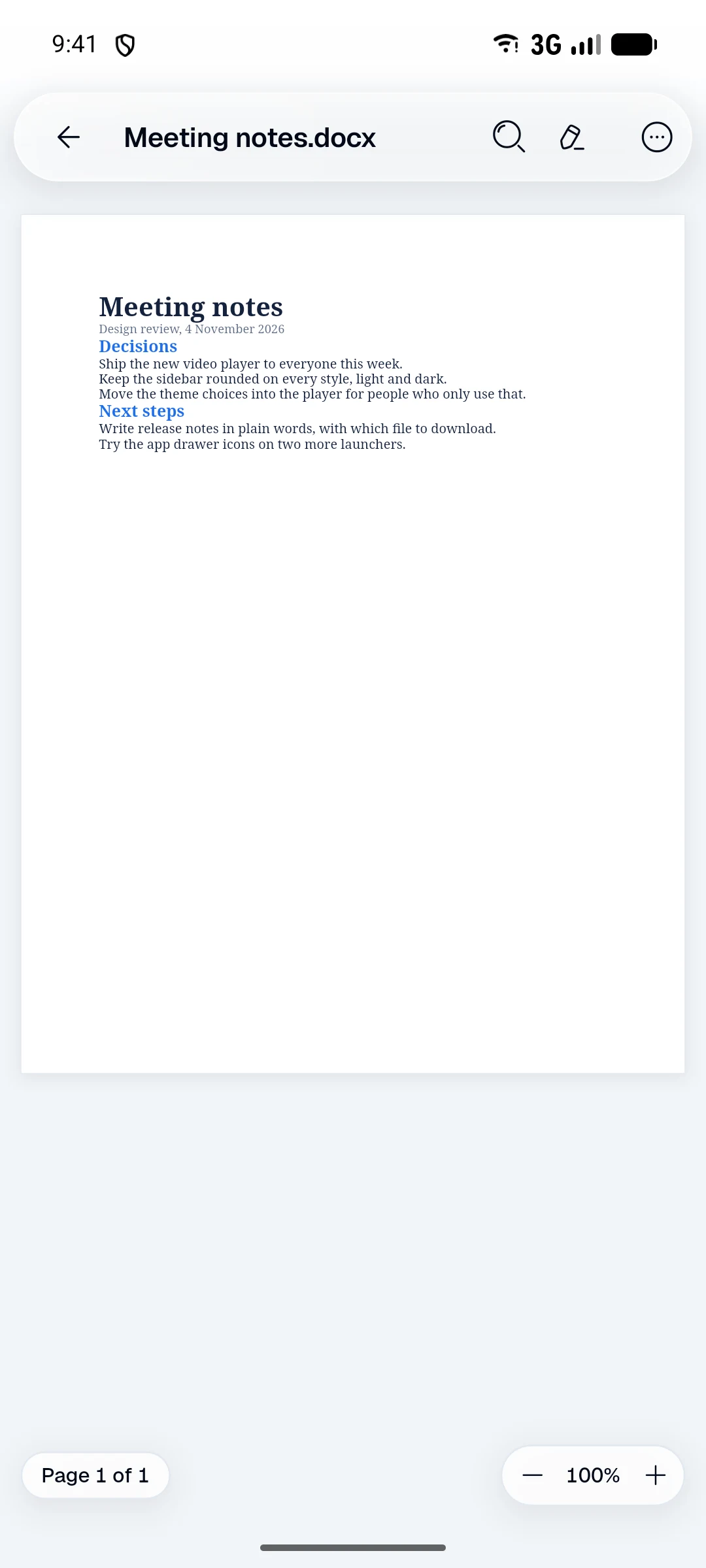
Tap any file to open it. That's it.
A few things being worked towards.
Deleted files wait a while before they're really gone.
Step back through the folders you've been in, like a browser.
Your known folders and OneDrive, where Windows keeps them.
Scroll to zoom into pictures on a computer.
Latest: v1.0.11, a pre-release. Free, straight from GitHub.
Android 7.0 or newer. Most phones want the first one.
64-bit, Ubuntu 24.04, Debian 13, Fedora 39 or newer.
Free and open source