 Folders
Meet Folders: one free app for 382 kinds of files
Folders is a free, open-source file manager for Android, Windows and Linux that opens PDFs, Office files, 3D models, code, videos and archives itself, with no ads and no account.
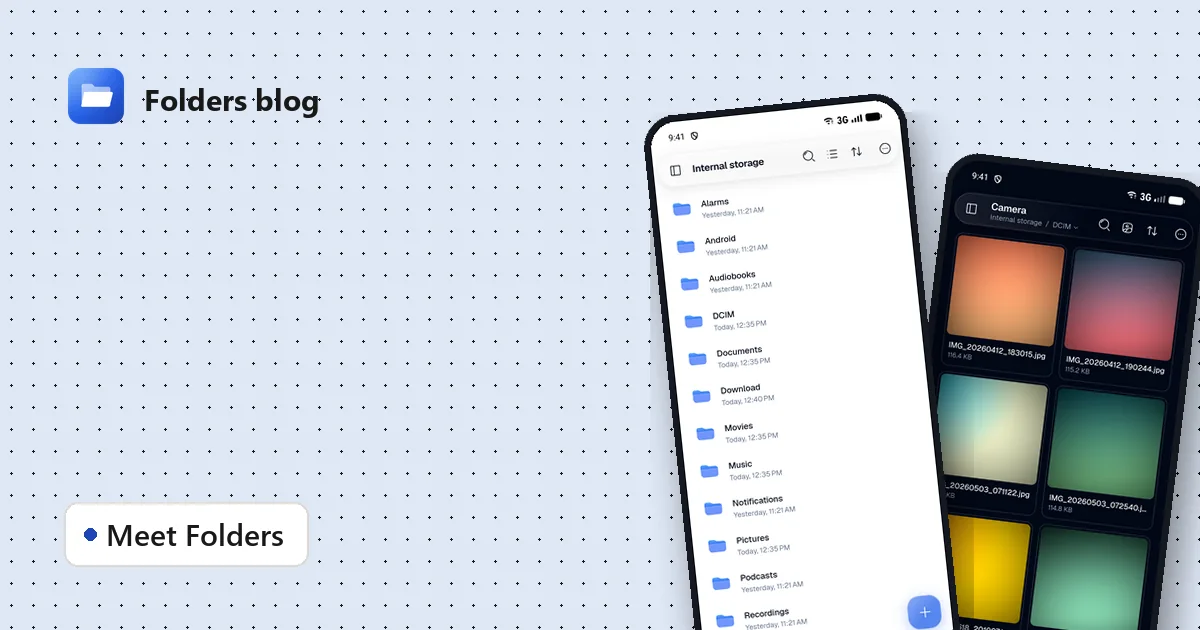
Most phones and computers come with a file manager that does one job: it shows you folders. The moment you tap a file it can’t handle, it sends you to the store to find another app. A RAR archive needs one app, an EPUB another, an STL file a third, and before long your phone is full of single-purpose apps, half of them showing ads.
Folders takes the opposite approach. It is a file manager that opens the files itself: 382 kinds of them, on Android, Windows and Linux. It’s free, it’s open source, and it has no ads and no account.
What “opens the files itself” means
When you tap a file in Folders, it opens in a viewer built into the app:
- Documents: PDFs (with search, notes and signatures), Word, Excel and PowerPoint files, OpenDocument files, RTF and CSV.
- E-books and comics: EPUB, MOBI, AZW3, FB2, CBZ and CBR.
- Photos: JPG, PNG, HEIC, AVIF, WebP, camera RAW files like DNG, CR2 and NEF, Photoshop PSD and SVG drawings.
- Videos and music: MKV, MP4, AVI, MOV and more in a full video player, plus MP3, FLAC, OPUS and the rest in a music player.
- Archives: ZIP, RAR, 7z, TAR and ISO open like folders, so you can look inside before extracting anything.
- 3D models: STL, OBJ, 3MF, GLB, FBX, USDZ, Blender files and 22 more. See how to open 3D models on Android.
- Code and text: 130 kinds of source code and config files with syntax highlighting, and Markdown with a live preview.
- Design files: previews of Figma, Sketch, Illustrator, InDesign and Procreate files.
The full list of file types on the home page has a search box: type an extension and it tells you whether Folders opens it.
More than viewing
Opening files is the core, but a few more tools come with Folders, so you don’t need separate apps:
- A video player built on mpv, with online subtitle search that needs no account, picture in picture, playback speed, a sleep timer and network streams. Read how to play MKV files with subtitles.
- A Toolbox with a RAM cleaner, a junk cleaner, a duplicate finder and a music player. On Android 14 and newer, the RAM cleaner’s Extreme mode does what apps aren’t allowed to do on their own any more; here’s how it works.
- Wi-Fi sharing and Nearby share, to move files between your phone and computer without a cable. Nearby share works with the LocalSend app. See the step-by-step guide.
- A vault for private files that opens with your fingerprint, face or screen lock.
- Social folders that gather what WhatsApp, Telegram, Instagram and X have saved, with a tab for each kind of file. Read where those apps keep your files.
- Image conversion and resizing: turn HEIC photos into JPG, or resize a whole batch at once.
One app on every screen
Folders looks at home wherever you use it. On a phone it has big thumbnails and see-through “Liquid glass” bars. On a tablet the sidebar stays open. On a Windows or Linux computer it has tabs, multiple windows, drag and drop, the keyboard shortcuts you know and an optional see-through window. If you live in File Explorer all day, have a look at Folders’ tabs and shortcuts on Windows.
You can also make it your own: five styles (Folders, Windows, Sweet and Dracula among them), light or dark mode, and eleven accent colours.
Free, private and open source
Folders doesn’t show ads, doesn’t ask you to sign in and doesn’t track what you do. Your files stay on your device. The app only goes online when you ask it to, for example to search for subtitles or to share files over Wi-Fi.
The whole app is open source under the GPL-3.0 licence. You can read every line on GitHub, build it yourself, report a problem or suggest a change.
Get it
Folders is downloaded from its GitHub releases:
- Android: the APK for most phones (Android 7.0 or newer).
- Windows: an installer or an MSIX package (Windows 10 and 11, 64-bit).
- Linux: deb, rpm, AppImage, Flatpak, Snap or a portable archive.
All the downloads are listed on the home page. If something doesn’t work the way you expect, tell us on GitHub; every report makes the next version better.
Keep reading
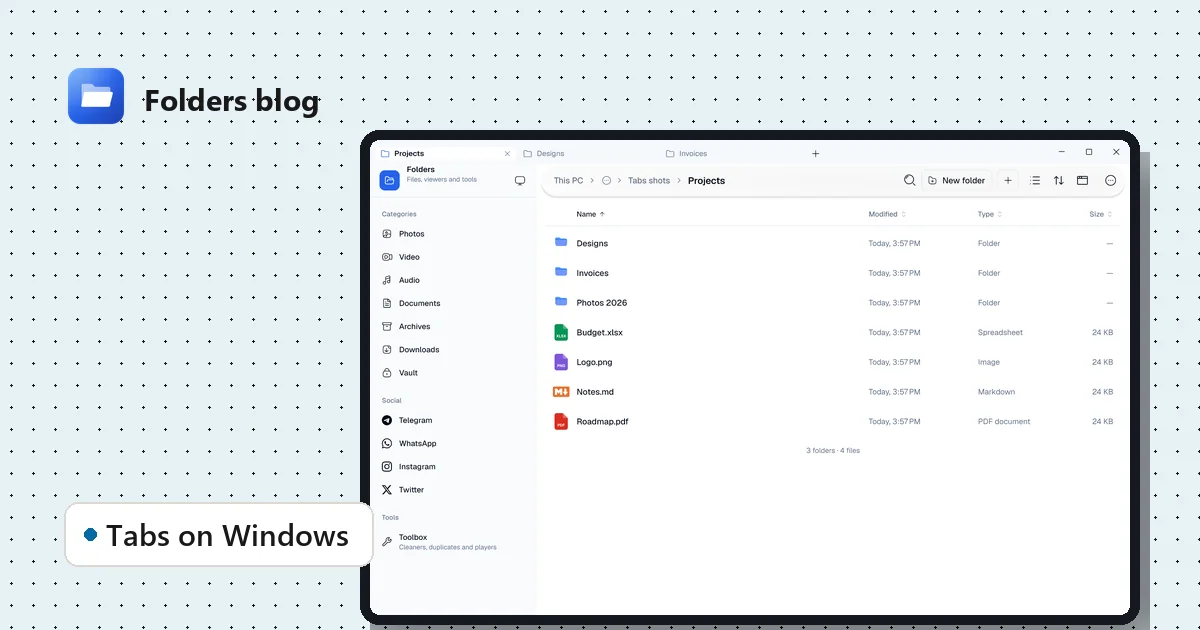
A Windows file explorer with tabs, and the shortcuts that make it fast
Folders on Windows and Linux: tabs, multiple windows, drag and drop with File Explorer, a see-through window and the keyboard shortcuts you already know. Free and open source.
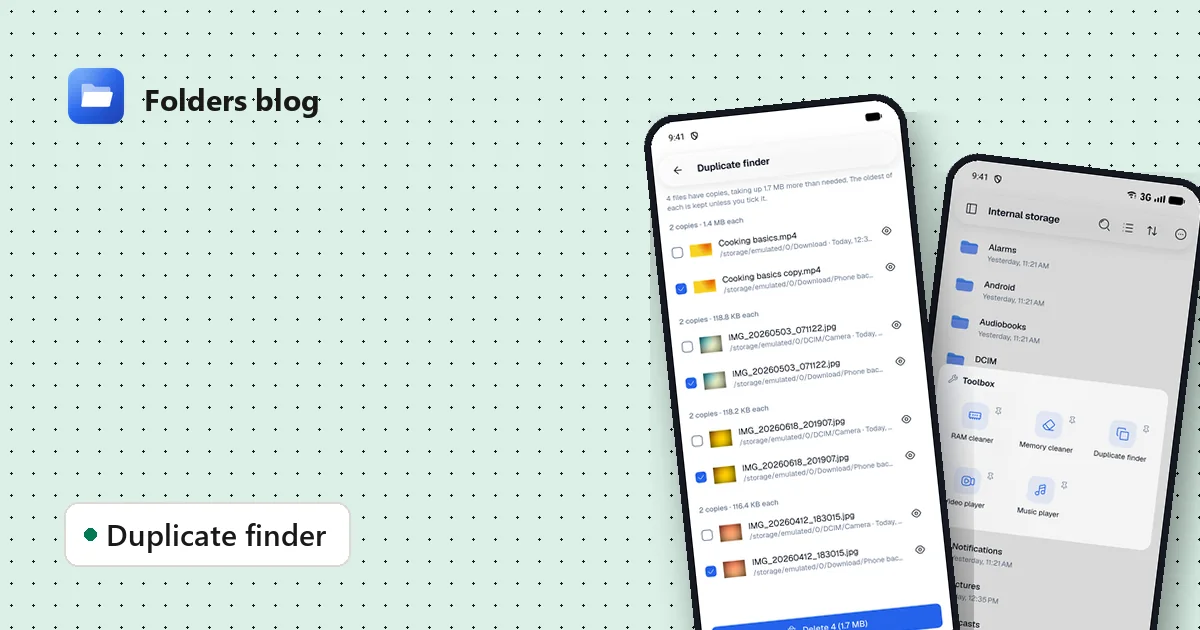
How to find and remove duplicate files safely
Duplicate photos, videos and downloads waste gigabytes. Find true copies by their contents, not their names, keep the oldest of each and delete the rest, on Android, Windows or Linux.
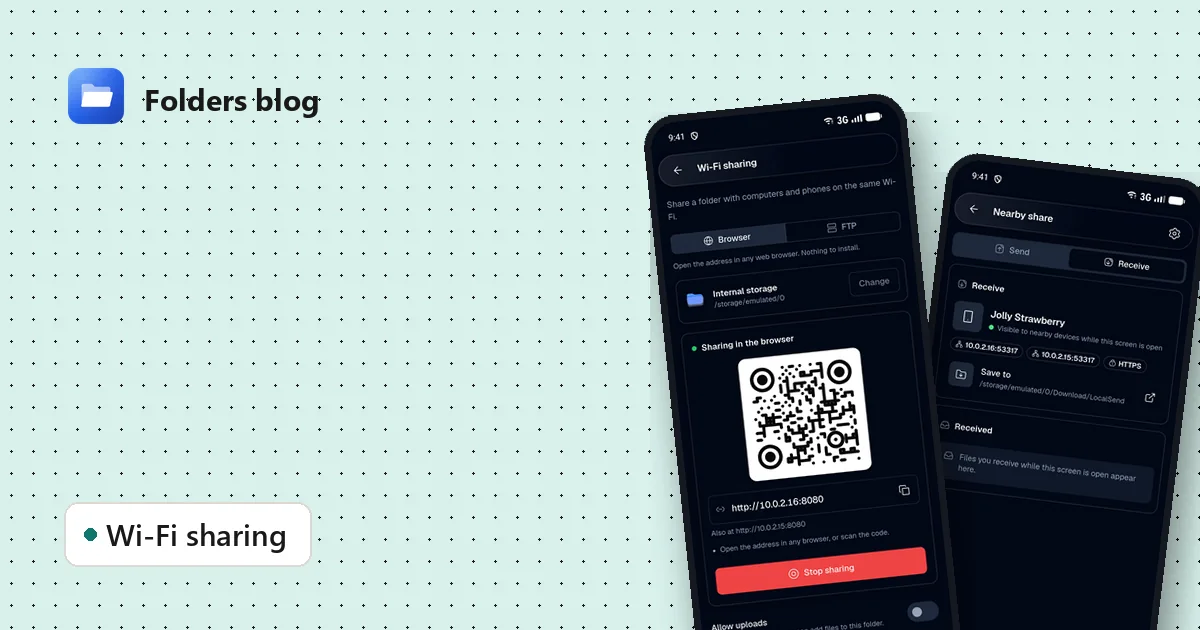
How to move files between your phone and PC over Wi-Fi, without a cable
Two free ways to send photos, videos and documents between Android and a computer on the same Wi-Fi: a browser link with a QR code, or Nearby share that works with LocalSend.