 Folders
How to open STL, OBJ and 3MF files on Android (no CAD app needed)
Open STL, OBJ, 3MF, GLB, FBX and 24 other 3D model formats on your Android phone: spin, zoom, check the mesh and see the triangle count, for free.
Someone sends you an STL file to print, you download a model from Thingiverse or Printables, or a client shares a GLB for a product page. On a computer you’d open it in a slicer or Blender. On a phone, most file managers just say they can’t open it.
Folders has a 3D viewer built in. It opens 29 model formats, including the ones people search for most: STL, OBJ, 3MF, GLB, glTF and FBX. It’s free and works offline.
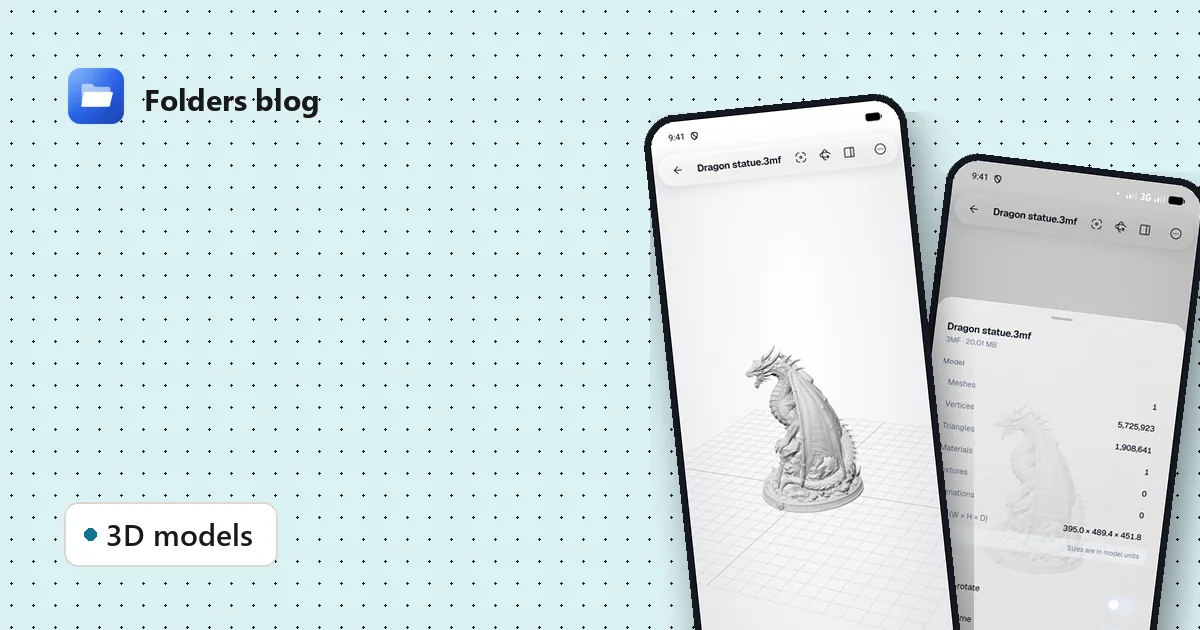
A 20 MB 3MF file with almost two million triangles, turning in Folders on Android.
Open a 3D model in three steps
- Install Folders from the download section and allow it to see your files.
- Find the model. Downloads usually land in the Download folder. You can also use search at the top of any folder and type part of the name, or
.stl. - Tap the file. It opens in the 3D viewer. A large model shows a progress bar while it’s processed; then it appears on a ground grid.
If the model came from another app (a chat, an email or a cloud drive), choose Open with → Folders and it opens the same way.
Move around the model
- Drag with one finger to turn it.
- Pinch to zoom in on details, or out to see all of it.
- Double-tap to frame it again if you get lost.
- Auto-rotate (the circular arrow at the top) turns it slowly so you see every side. It’s how the video above was made.
Check it before you print
3D-print files often come in different orientations, and some details only show up when you look closely. The viewer helps with both:
- Z axis is up. Many printing tools treat Z as up, others Y. If a model lies on its side, flip this switch in Details & controls.
- Wireframe shows the triangles under the surface, handy for spotting broken or very dense areas.
- Ground grid and axes give you a sense of scale and direction.
- Details lists meshes, vertices, triangles, materials, textures, animations and the size of the model (in the model’s own units).
The dragon above, for example, has 1,908,641 triangles and measures 395 × 489 × 452 units. That tells you at a glance whether a file is a light game asset or a heavy, high-detail print.
Animations and screenshots
Animated GLB and FBX files can play their clips: open Animations, pick one, or play them all together. When you have the angle you want, Save screenshot keeps a picture of the model, which is handy for sharing a preview with someone who doesn’t have a 3D viewer.
Which 3D formats does it open?
| Kind | Formats |
|---|---|
| 3D printing | STL, 3MF, AMF, OBJ, G-code |
| Scenes and games | GLB, glTF, FBX, DAE (Collada), 3DS, MD2, LWO |
| USD scenes and AR models | USDZ, USDA, USDC |
| Point clouds and scans | PLY, XYZ, PCD, VTK, VTP, OFF |
| Other tools | Blender (.blend), Rhino (.3dm), VRML/WRL, MagicaVoxel (.vox), Draco (.drc), KMZ |
That’s the same list the app itself uses, so if a format is in the table, it opens. You can check any other extension in the file type search.
Questions people ask
Do I need an internet connection? No. The model is read and drawn on your phone.
Will a big model work on an older phone? Usually, but very heavy files (millions of triangles) take longer and need more memory. If a phone struggles, try the file on a computer: Folders’ 3D viewer works the same way on Windows and Linux.
Can I edit the model? No, the viewer is for looking and checking, not modelling. For changes, use a slicer or a 3D editor.
Can I open models that are inside a ZIP? Yes. Tap the ZIP, then tap the model inside it. More on that in how to open ZIP, RAR and 7z files on your phone.
Keep reading
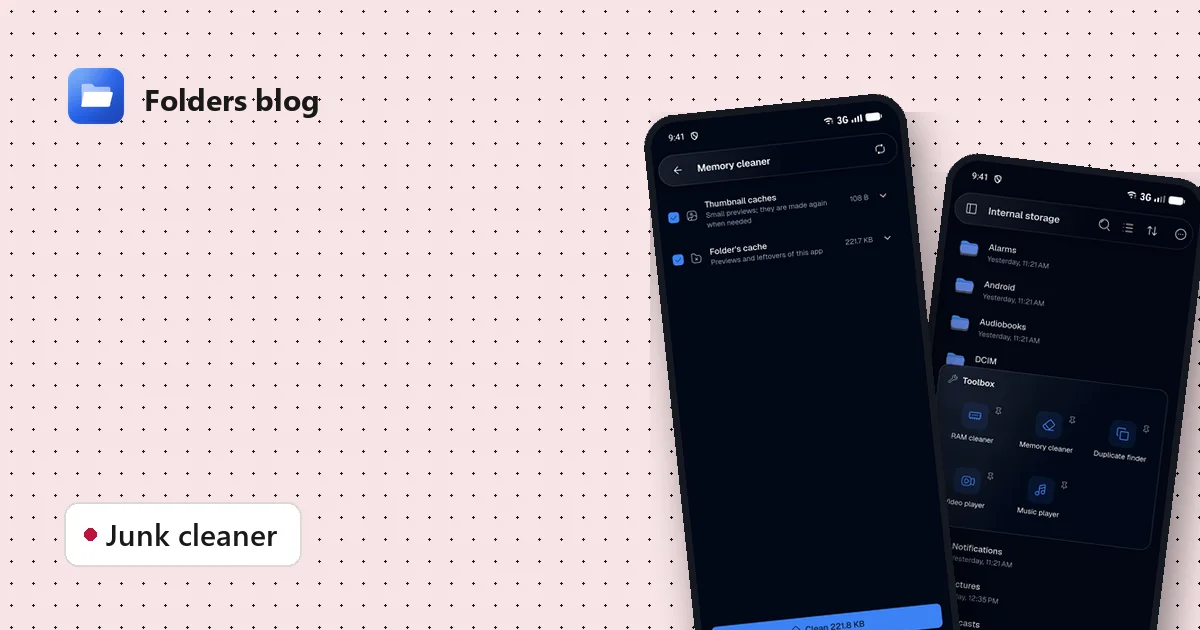
How to clean junk files on Android without deleting anything you need
Free up storage by clearing thumbnail caches, leftovers and other junk, with a cleaner that only ticks what's certainly safe to delete and shows you everything else first.
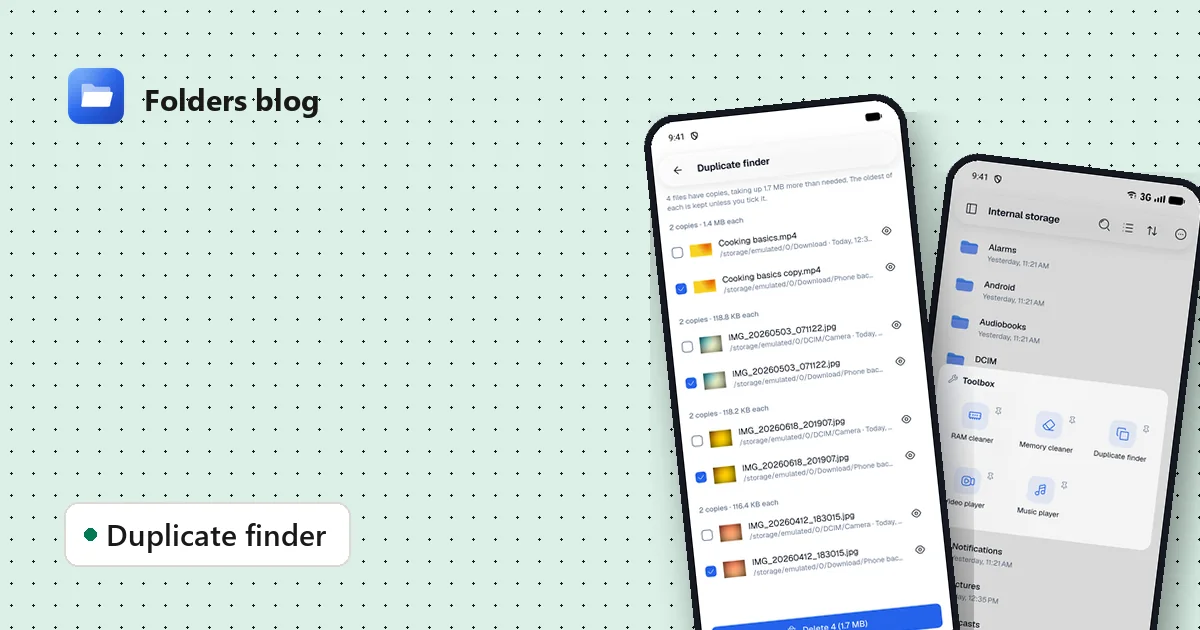
How to find and remove duplicate files safely
Duplicate photos, videos and downloads waste gigabytes. Find true copies by their contents, not their names, keep the oldest of each and delete the rest, on Android, Windows or Linux.
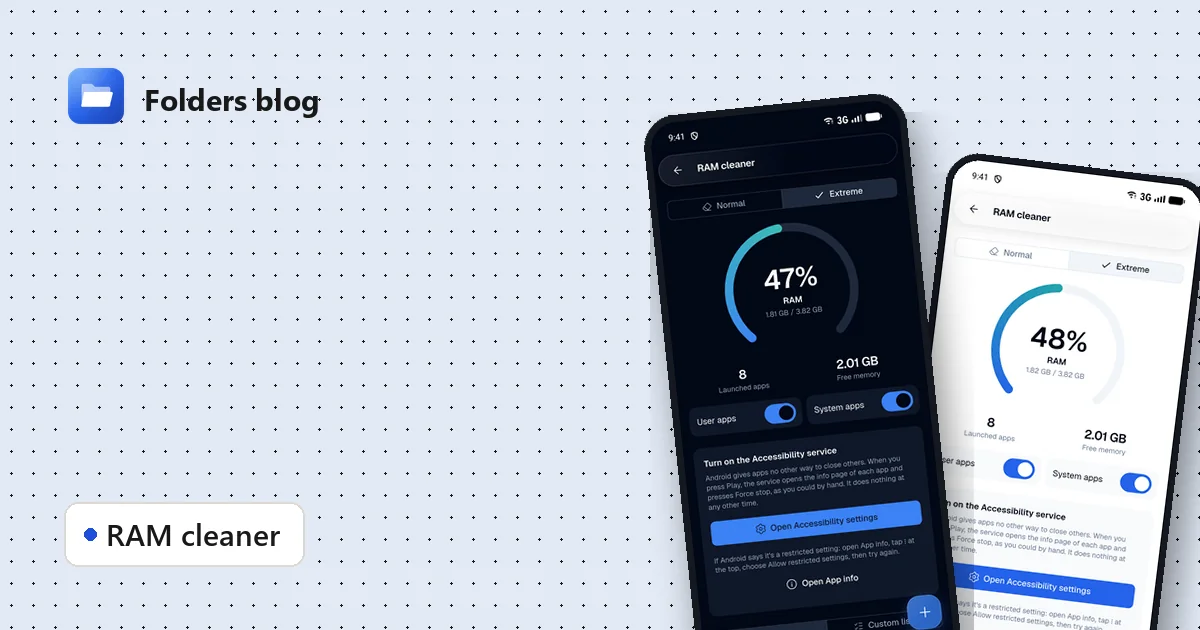
How to free RAM on Android 14 and newer, now that apps can't close other apps
Since Android 14, RAM cleaner apps can't close background apps any more. Here's why, when freeing memory actually helps, and how Folders' Extreme mode still does it, safely.