 Folders
Where WhatsApp, Telegram and Instagram keep your files, and how to find them
Find WhatsApp images, videos, documents and statuses, Telegram downloads and Instagram saves on Android: the exact folders, and one place that gathers the files you need most.
Someone sent you a PDF on WhatsApp last month and now you need it on your computer. Or a video from a Telegram group. You know it’s on your phone somewhere, but chat apps hide their files in folders most file managers don’t show, and the folders have moved over the years.
Here’s where each app keeps its files on Android today, and an easier way to get at all of them.
Since Android 11, WhatsApp keeps its media in:
Internal storage/Android/media/com.whatsapp/WhatsApp/MediaInside, you’ll find a folder per kind of file:
| Folders | What’s inside |
|---|---|
| WhatsApp Images | Photos you received (and Sent for ones you sent) |
| WhatsApp Video | Videos |
| WhatsApp Documents | PDFs, Word and Excel files and other documents |
| WhatsApp Audio | Music and audio files |
| WhatsApp Voice Notes | Voice messages |
| .Statuses | Statuses you’ve viewed, kept for a short while |
Older phones and older WhatsApp versions used Internal storage/WhatsApp/Media instead. WhatsApp Business uses Android/media/com.whatsapp.w4b/WhatsApp Business/Media.
Telegram
Telegram’s own folder is:
Internal storage/Android/media/org.telegram.messenger/Telegramwith subfolders like Telegram Images, Telegram Video, Telegram Audio and Telegram Documents. When you choose Save to gallery or Save to downloads in Telegram, the file goes to a shared folder instead:
Pictures/Telegramfor imagesMovies/Telegramfor videosMusic/Telegramfor audioDownload/Telegramfor files
Instagram and X (Twitter)
These save what you download into your shared folders:
- Instagram:
Pictures/Instagram,Movies/Instagram,DCIM/Instagram(photos taken in the app) andDownload/Instagram. - X / Twitter:
Pictures/TwitterorPictures/X,Movies/TwitterorMovies/X, andDownload/TwitterorDownload/X, depending on the app’s version.
The easy way: social folders in Folders
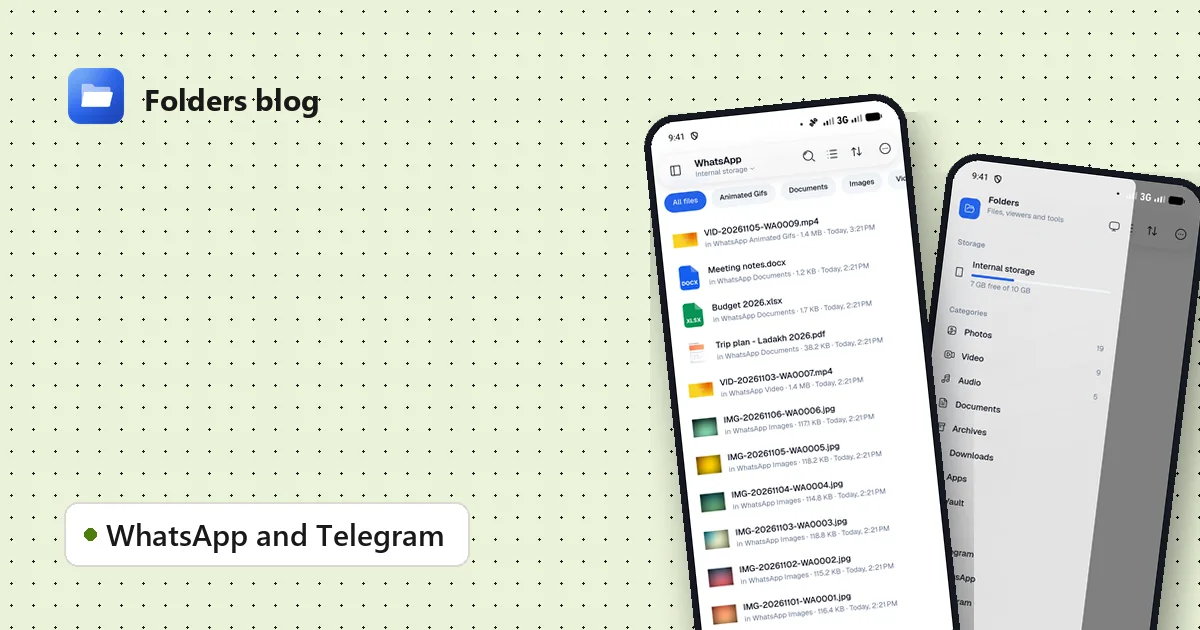
Remembering those paths isn’t much fun. Folders knows them all. Open the side menu, and under Social you’ll find WhatsApp, Telegram, Instagram and Twitter.
Tap one, and Folders gathers that app’s files from every folder it uses, old and new locations alike, into one view:
- All files shows everything, newest first, with thumbnails for photos and videos.
- A tab for each kind narrows it down. For WhatsApp, that’s Images, Video, Documents and Animated Gifs, the files people look for most; other apps get tabs like Images, Video and Downloads.
- Each file shows where it really lives, like in WhatsApp Documents, so nothing is hidden.
From there, everything works as in any other folder: open a file, share it, copy it to another folder, send it to your PC over Wi-Fi, or delete what you don’t need any more.
Free up space from chats
Chat apps keep every file you’ve ever received, and group chats add up fast. In a social folder:
- Open the Video tab first, since videos are the biggest files.
- Sort by size to see the largest at the top.
- Select what you don’t need and delete it.
The messages stay in the chat, but media you’ve deleted from storage won’t open there any more, so keep anything you may need again.
For forwarded memes and photos saved more than once, run the duplicate finder on the WhatsApp folder.
On a computer
On Windows and Linux, Folders’ Telegram entry shows the Telegram Desktop folder that the desktop app downloads to.
Questions people ask
Why can’t my old file manager see these folders? Since Android 11, the Android/media folder needs a file manager with full file access, which Folders asks for when you first start it.
Where are voice notes and statuses? Folders’ WhatsApp view sticks to images, videos, documents and GIFs. Voice notes and statuses stay in WhatsApp’s own folders, listed in the table above, and you can open those in Folders like any other folder. (WhatsApp keeps viewed statuses only for a short while.)
Can Folders read my chats? No. It only sees the files the apps saved to storage, the same files any file manager can see. Your messages stay inside the apps.
Keep reading
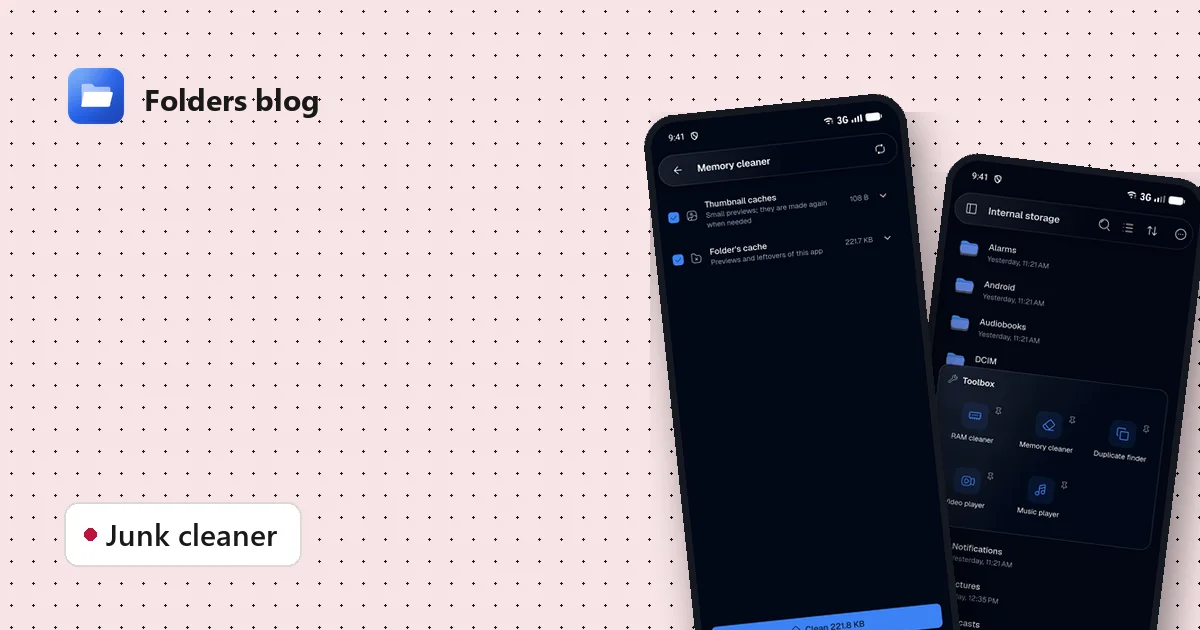
How to clean junk files on Android without deleting anything you need
Free up storage by clearing thumbnail caches, leftovers and other junk, with a cleaner that only ticks what's certainly safe to delete and shows you everything else first.
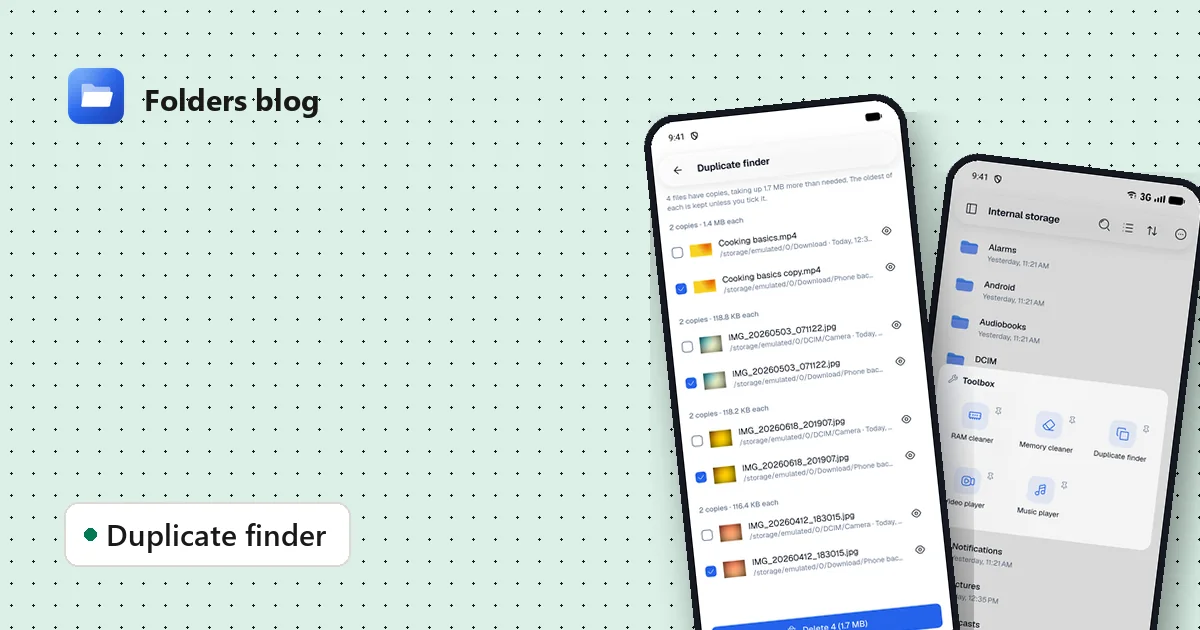
How to find and remove duplicate files safely
Duplicate photos, videos and downloads waste gigabytes. Find true copies by their contents, not their names, keep the oldest of each and delete the rest, on Android, Windows or Linux.
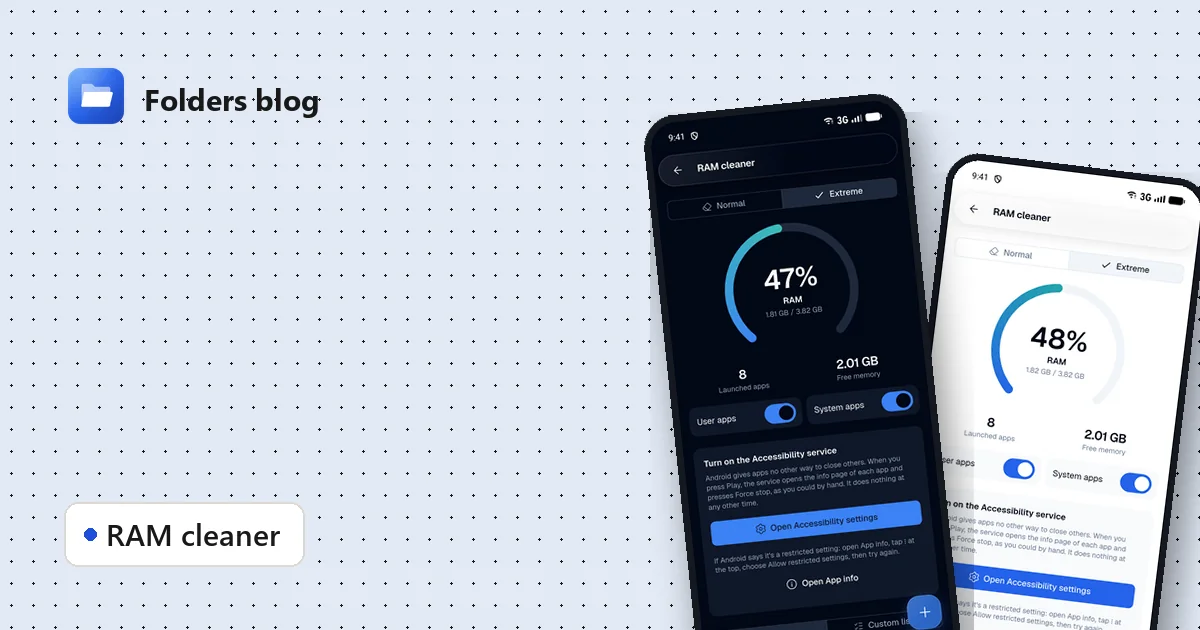
How to free RAM on Android 14 and newer, now that apps can't close other apps
Since Android 14, RAM cleaner apps can't close background apps any more. Here's why, when freeing memory actually helps, and how Folders' Extreme mode still does it, safely.