 Folders
How to play MKV videos with subtitles, and find subtitles online for free
Play MKV, MP4, AVI and other videos with embedded or external subtitles, search subtitles online without an account, and fix their timing, size and colour.
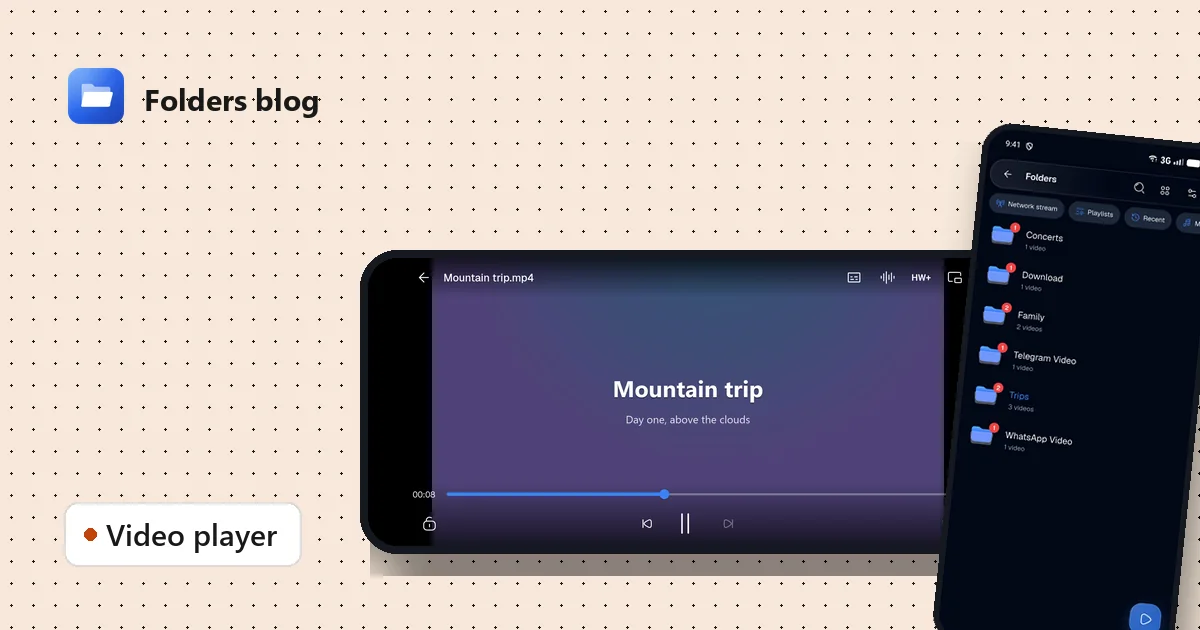
MKV files are everywhere for films and series, because one file can hold the video, several audio tracks and several subtitle tracks. Plenty of players struggle with them, or play the picture but ignore the subtitles.
Folders’ video player is built on mpv, the open-source engine known for playing nearly anything. MKV, MP4, AVI, MOV, WebM, FLV, WMV, VOB, DivX and more simply play, with their subtitles.
Play a video
Tap any video in Folders and it opens in the player. Or open Video player from the Toolbox to see your video library: your folders of videos, each with a count of what you haven’t watched yet, the video you played last highlighted, and a round Play button that resumes where you stopped.
On a phone, the player is driven by gestures on the screen, and you can pinch to zoom and move the picture. On a computer, it’s driven by the keyboard, and Ctrl and the mouse wheel zoom the picture.
Turn on subtitles
Tap the Subtitles button in the player. You’ll see every subtitle you can use:
- Embedded tracks inside the MKV or MP4, often in several languages;
- subtitle files beside the video with the same name, like
Movie.srtnext toMovie.mkv; - a file you pick from anywhere on your device.
Common subtitle files like SRT, ASS, SSA and VTT work. (Styled ASS subtitles show as clean plain text.)
Find subtitles online, free
No subtitles for your video? Tap Search online… in the subtitle sheet.
- Folders guesses the film or episode from the file name, so
The.Movie.2019.1080p.mkvbecomes The Movie (2019). You can correct the title, or type its IMDb id if you know it. - It looks up the title and lists subtitles from OpenSubtitles, the closest matches first: subtitles made for your exact file come before ones that only share words with its name.
- Pick one. Folders saves it beside your video as, for example,
Movie.eng.srt, so it loads by itself next time. It never overwrites a file you already have.
There’s no account or API key to set up. (Online search relies on public services, so it needs the internet, and very new or rare videos may have no matches yet.)
Fix subtitle timing, size and colour
Subtitles a second early or late? In the subtitle sheet, adjust the delay until the words match the voices. You can also change the size and colour so they’re readable on any scene.
More controls you’ll actually use
- Audio tracks: switch language or commentary, and fix audio delay if lips and sound don’t match.
- Speed: slower for recipes and tutorials, faster for lectures.
- Sleep timer: stop playback after a set time.
- Picture in picture: leave the app while a video plays and it keeps going in a small window.
- Background play: keep listening with the screen off, with controls on the lock screen and your headset buttons.
- Decoder: if a video stutters or shows wrong colours, switch between HW, HW+ and SW (hardware, direct hardware and software decoding).
- Network streams: paste a link to an HTTP, HLS (
.m3u8), RTSP or RTMP stream and press play.
Questions people ask
Does the player work on a computer? Yes, the same player runs on Windows and Linux, with keyboard shortcuts and a small always-on-top window instead of picture in picture.
Why is there no sound? First check which audio track is selected in the player. If a video still has no sound, report it on GitHub with your phone’s model and the file’s format.
Can I download a video from a link? Folders has a separate video downloader in the side menu, for videos you own or are allowed to download.
Watching on a big screen instead? Move the file to your computer over Wi-Fi in a few taps.
Keep reading
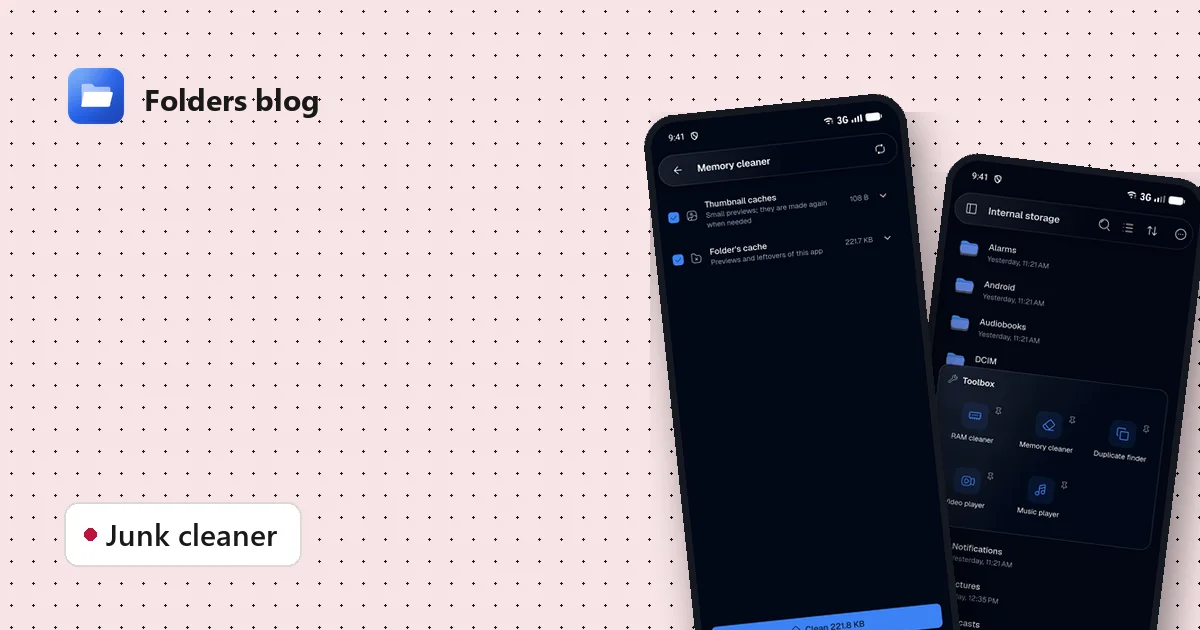
How to clean junk files on Android without deleting anything you need
Free up storage by clearing thumbnail caches, leftovers and other junk, with a cleaner that only ticks what's certainly safe to delete and shows you everything else first.
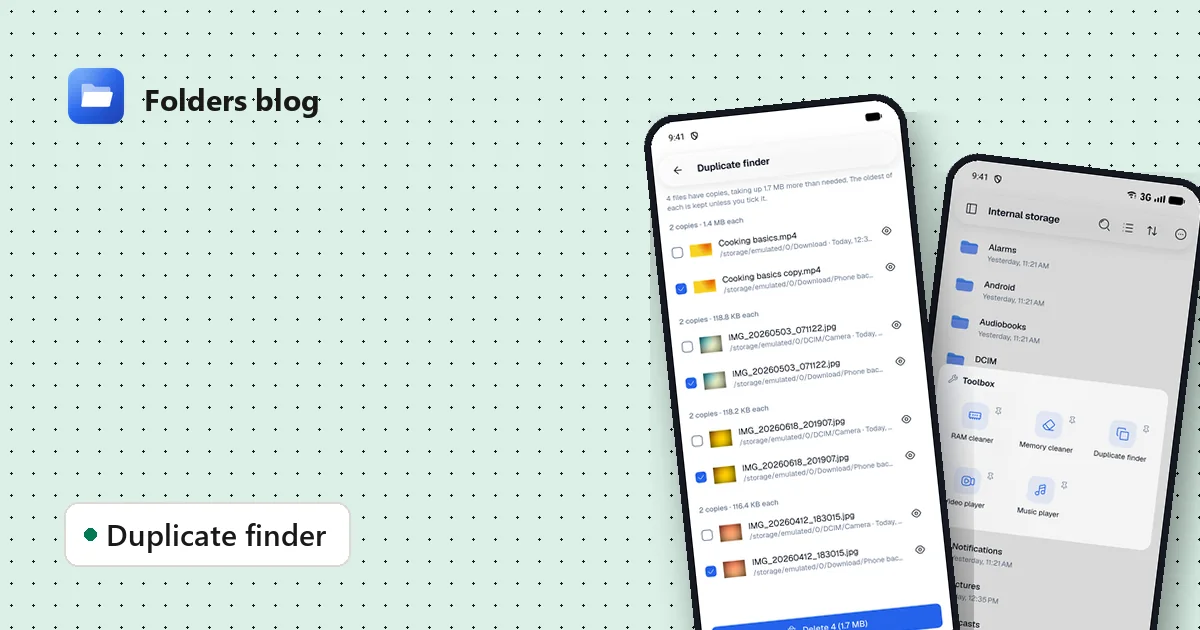
How to find and remove duplicate files safely
Duplicate photos, videos and downloads waste gigabytes. Find true copies by their contents, not their names, keep the oldest of each and delete the rest, on Android, Windows or Linux.
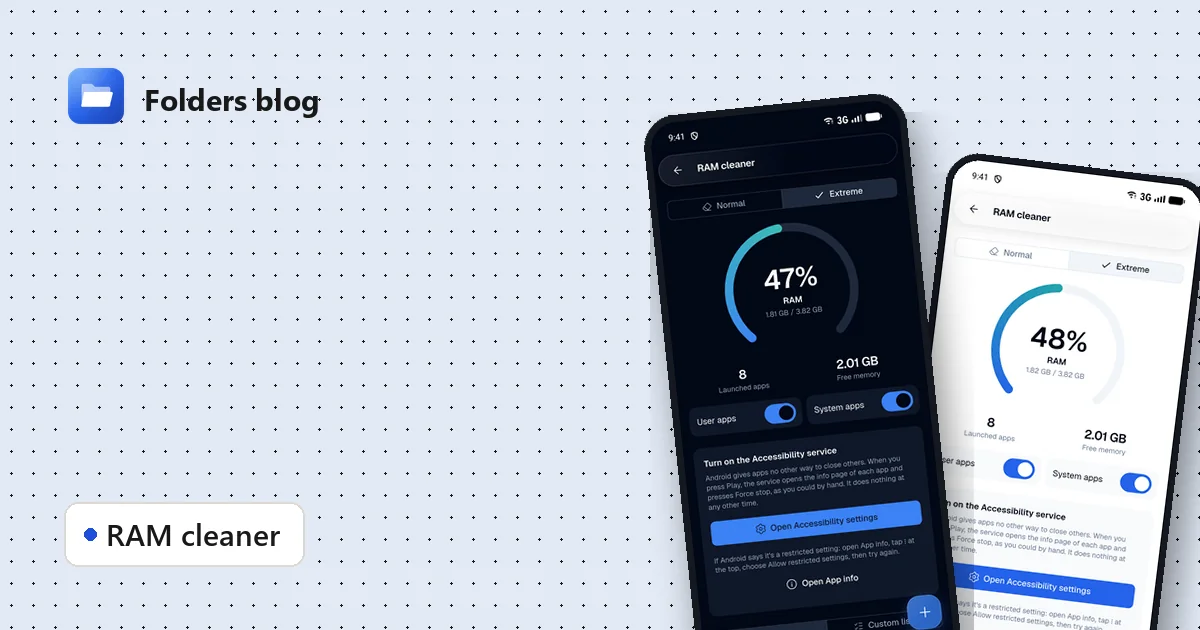
How to free RAM on Android 14 and newer, now that apps can't close other apps
Since Android 14, RAM cleaner apps can't close background apps any more. Here's why, when freeing memory actually helps, and how Folders' Extreme mode still does it, safely.