 Folders
How to open .INI files (settings files) on Android, Windows and Linux
What .ini, .cfg, .conf, .env, .properties, .desktop and .service files are and how to open and edit settings files for free on Android, Windows and Linux.
 Satyam Mishra5 min read
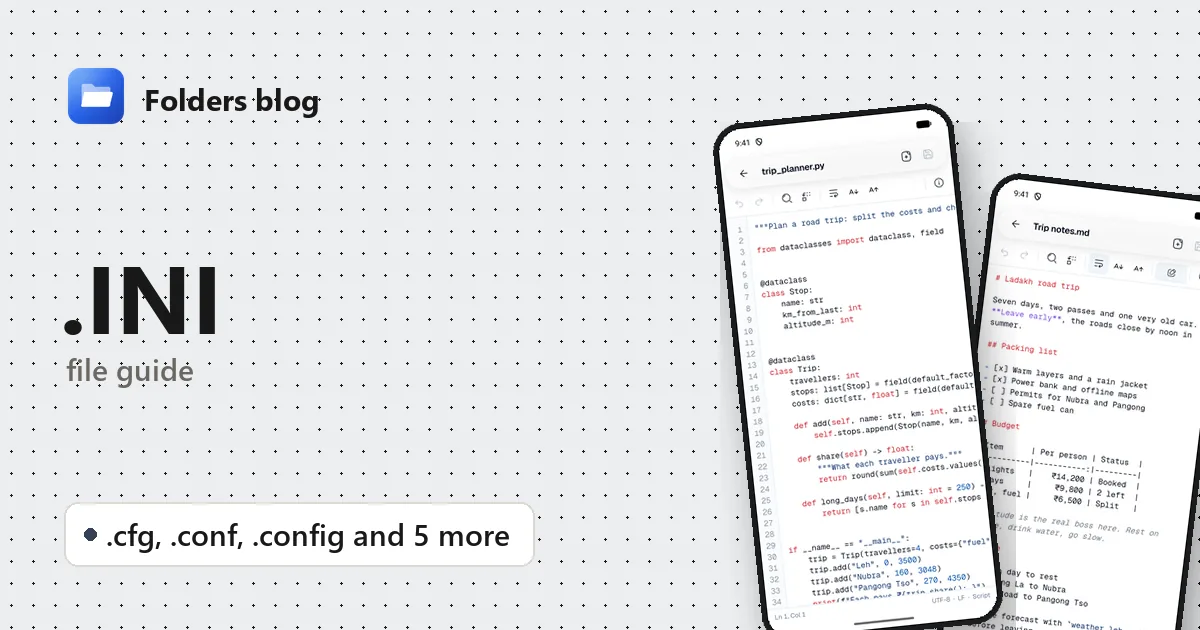
A game guide says to change one line in GameUserSettings.ini to unlock a higher frame rate. A server tutorial wants you to edit nginx.conf. A downloaded project has a .env file waiting for your API key. The job is small, but first you need something that opens the file.
Settings files like these are almost always plain text. Folders opens INI, CFG, CONF, CONFIG, ENV, PROPERTIES, PROP, DESKTOP and SERVICE files in its text editor on Android, Windows and Linux, so you can read them, change a value and save.
What is a .ini file?
INI files date from early Windows, when programs kept their settings in files like win.ini. The format is simple: [Section] headings, key=value lines under them, and comments starting with ; (or # in some programs). Windows itself moved most settings to the registry long ago, but INI files are still everywhere: in games (Unreal Engine games keep settings in files such as GameUserSettings.ini), in php.ini, in MySQL’s my.ini, and in the hidden desktop.ini file Windows uses to remember a folder’s icon and view.
The other extensions are settings files from other worlds. There’s no single standard behind most of them; each program defines its own rules.
| Extension | Language or format | What it’s for |
|---|---|---|
.ini |
INI | Windows programs and games: sections, keys and values |
.cfg |
Varies | Generic settings: Python’s setup.cfg, game console scripts such as autoexec.cfg |
.conf |
Varies, Unix style | Linux and server software: nginx.conf, files under /etc |
.config |
Usually XML | .NET programs’ app.config and web.config |
.env |
dotenv | Environment variables for an app, KEY=value per line, often secrets |
.properties |
Java properties | Java and Spring settings: application.properties, gradle.properties |
.prop |
Android system properties | build.prop: device model, Android version and system flags |
.desktop |
freedesktop.org desktop entry | Linux app launchers: name, icon and the command to run |
.service |
systemd unit | Linux services: what to start, when, and whether to restart it |
A few of these deserve a closer look:
.envfiles hold passwords, database addresses and API keys. Docker Compose and many frameworks read a file named exactly.envautomatically. Never post one publicly or commit it to Git..propertiesfiles allowkey=valueorkey: value. Java has traditionally read them as ISO-8859-1, so accented letters often appear as escapes like\u00e9(for é).build.propsits in Android’s read-only system partition. You can read a copy; changing the real one needs root..desktopfiles start with[Desktop Entry]and have anExec=line, the command a click runs. Since that can be any command, desktops such as GNOME ask before trusting a downloaded launcher..servicefiles for systemd have[Unit],[Service]and[Install]sections, with lines likeExecStart=andRestart=on-failure.
How to open a .ini file with Folders
On Android
- Download Folders from the download section and install it. It needs Android 7.0 or newer.
- Open it, tap Allow access, and allow All files access.
- Browse to the file or search for its name. Files starting with a dot, such as
.env, are shown on Android. - Tap it to open it in the text editor.
A settings file sent to you opens through Open with → Folders in the app it arrived in.
On Windows and Linux
- Install Folders: the Windows installer, or a deb, rpm, AppImage, Flatpak, Snap or tar.gz package on Linux.
- Browse to the file in Folders and double-click it.
- On Windows, File Explorer’s Open with menu lists Folders for these types: right-click → Open with → Folders.
On computers, Folders hides dotfiles such as .env and Windows’ hidden system files such as desktop.ini at first, like other file managers. Turn on Show hidden files in Folders’ options to see them. On Linux, Folders opens a .desktop file as text; it never launches the program inside.
What you can do with it in Folders
- Colours for the structure.
.inifiles show[sections], key names and;or#comments in different colours..cfg,.conf,.properties,.desktopand.servicefiles, and env files with a name such asproduction.env, get colours for[section]headers,#comments, strings and$VARIABLES..configand.propfiles, and a file called just.env, open as plain text with line numbers. - Find the setting. Find jumps to a key such as
FrameRateLimitorlisten, and Find and replace with Match case changes a value everywhere. - Edit and Save with undo and redo. Folders keeps the file’s encoding and line endings as they were, which matters for old Windows INI files in Windows-1252 and for Linux files with Unix line endings. Document info shows both, plus the line and column.
- Go to line when a program reports an error, such as nginx’s
in /etc/nginx/nginx.conf:42. - Tabs, so a
.envfile and the Compose file that uses it can be open together.
Folders edits the file; it doesn’t restart the program that reads it or check that the settings are valid.
Other ways to open .ini files
- Notepad on Windows, or Notepad++ for colours and many open files.
- nano or vim in a Linux terminal, which is how most server config gets edited; for systemd,
systemctl edit name.serviceadds overrides safely. - Visual Studio Code on Windows and Linux, with extensions for dotenv, properties and systemd files.
Problems opening a .ini file?
- The change does nothing. Most programs read their settings only at start-up. Restart the game or app. For systemd units, run
sudo systemctl daemon-reloadbefore restarting the service. - The game resets your edit. Some games rewrite their INI files on exit. Close the game first, edit, and if needed mark the file read-only in its properties.
- “Permission denied” when saving. Files under
/etcon Linux, Android’s system partition, orProgram Fileson Windows need administrator or root rights. Copy the file somewhere you can write, edit the copy, and put it back with the right permissions.
Questions people ask
Can I delete desktop.ini? Yes. It only stores a folder’s custom icon and view settings, and Windows creates it again if you customise the folder.
Is it safe to share a .env file?
No. It usually holds passwords and keys. Share a .env.example with the values blanked out instead.
.ini vs .cfg: what’s the difference?
.ini almost always means the sections-and-keys format. .cfg is just “config”: each program decides what goes inside, and it may or may not look like INI.
Structured settings in YAML or TOML are covered in how to open YAML and TOML files, and dotfiles such as .gitignore in how to open .gitignore and .editorconfig files. Or see all 382 file types Folders opens.
Keep reading
How to open .C files (C and C++ source code) on Android, Windows and Linux
What .c, .h and .cpp files are and how to open, read and edit C, C++ and Objective-C source code for free on Android, Windows and Linux, with no IDE needed.
How to open .CS files (C# source code) on Android, Windows and Linux
What .cs, .csproj, .sln, .vcxproj and .xaml files are and how to open and edit C# code and Visual Studio projects for free on Android, Windows and Linux.
How to open .CSS files (style sheets) on Android, Windows and Linux
What CSS, SCSS, Sass and Less files are and how to open, read and edit style sheets for free on Android, Windows and Linux, with colours, search and replace.