 Folders
How to open .MP3 files (MP3 audio) on Android, Windows and Linux
What an .mp3 file is and how to open and play MP3 audio for free on Android, Windows and Linux, plus fixes for MP3s that won't play or show the wrong length.
 Satyam Mishra4 min read
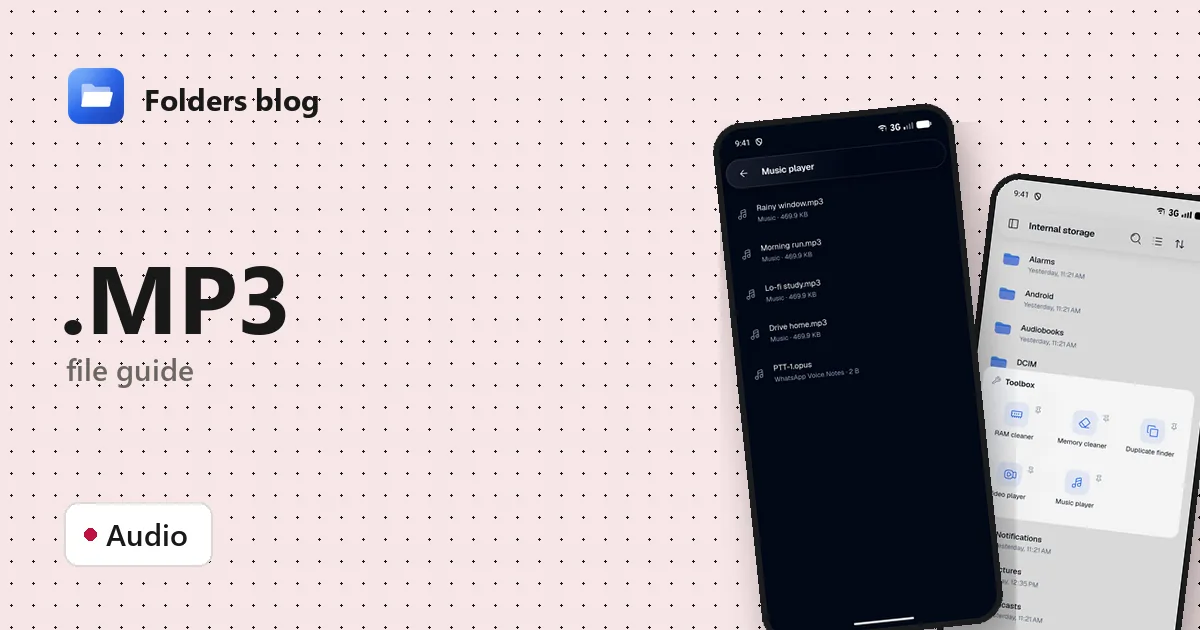
MP3 is about as universal as a file format gets, so when an MP3 won’t open, or won’t show up in your music app, it’s rarely the format’s fault. More often the file is in a folder your music app ignores, was downloaded only partly, or isn’t really an MP3 at all.
The quick answer: almost any player opens an MP3, and Folders does it without fuss. Tap the file and it plays, free and offline, on Android, Windows and Linux.
What is a .MP3 file?
MP3 is short for MPEG-1 Audio Layer III (later extended in MPEG-2). It was developed mainly at the Fraunhofer Institute in Germany and standardised in the early 1990s. It’s lossy: it throws away sounds the ear is unlikely to notice, such as quiet tones masked by louder ones. At 128 kbps an MP3 is roughly a tenth the size of the same music on a CD.
A few things worth knowing:
- Bit rate runs from 32 kbps (speech, very small) to 320 kbps (the highest MP3 allows). Higher means better quality and bigger files.
- CBR or VBR: constant bit rate keeps the same rate throughout; variable bit rate spends more on complex passages and less on quiet ones.
- ID3 tags hold the title, artist, album and cover art, at the start of the file (ID3v2) or in a small block at the end (ID3v1).
- Patents: the licensing programme for MP3 ended in 2017, so anyone can make and play MP3s freely.
How to open a .MP3 file with Folders
On Android
- Install Folders from the download page and allow file access when asked.
- Browse to the MP3. Downloads, WhatsApp audio and podcast downloads each live in their own folders; Folders’ search finds a file by name.
- Tap the MP3 to play it.
- When an app offers to open the file, choose Open with → Folders.
On Windows and Linux
- Install Folders and browse to the file.
- Double-click it to play.
- On Windows, right-click an MP3 in File Explorer and choose Open with → Folders; the installer adds it to that menu.
What you can do with it in Folders
- Play it in the simple audio player. Tapping an MP3 opens a player with play and pause, buttons to jump back or forward 10 seconds, and a seek bar. The 10-second jumps are handy for re-listening to a line in a lecture or voice message.
- Play everything at once. The Toolbox’s Music player gathers all the audio on your device into one queue, so you don’t have to open files one by one.
- Share, rename and move MP3s from the file browser, or compress a batch to ZIP to send them as one file.
Folders is a straightforward way to listen to a file. It doesn’t edit ID3 tags, has no equaliser, and doesn’t convert audio. For tags and big libraries, a dedicated music app or tag editor does the job better.
Other ways to open .MP3 files
- Windows’ Media Player, and the music app that came with your phone.
- VLC: free on every system.
- Audacity: free on Windows and Linux, for editing and converting MP3s rather than just playing them.
- A web browser: drag an MP3 into a tab and it plays.
Problems opening a .MP3 file?
- It doesn’t appear in your music app. Android’s media scanner skips folders that contain a hidden file called
.nomedia, and some apps only look in the Music folder. Browse to the file in Folders and tap it, or move it to your Music folder. - The length is wrong, or seeking jumps to the wrong place. That’s typical of a VBR MP3 missing the small header that records its length. Players then estimate. Rewriting the file fixes it without touching the sound:
ffmpeg -i song.mp3 -c copy fixed.mp3, or foobar2000’s Fix VBR MP3 header. - It stops early. The download or copy was incomplete. Compare the size with the original and copy it again.
- It isn’t really an MP3. Files from dubious sites sometimes have a double extension, such as
song.mp3.exe, which is a program, not music. Windows hides known extensions by default; in Windows 11’s File Explorer, turn on View → Show → File name extensions to see the full name.
Questions people ask
Can I open MP3 files on Android? Yes, every Android phone can. With Folders you can play an MP3 from any folder you browse to, even one your music app skips.
How do I convert MP3 to WAV or another format? Use Audacity or ffmpeg, both free. Folders doesn’t convert audio. Converting an MP3 to WAV or FLAC won’t bring back the detail MP3 removed; it just makes a bigger file.
MP3 vs WAV: which is better? WAV is uncompressed and exact; MP3 is about a tenth the size and sounds very close at higher bit rates. See how to open WAV files.
Is an MP3 file safe? A genuine MP3 is just audio data. Be wary of double extensions and of sites that ask you to install a special player to hear a download.
Got AAC or M4A files too? See how to open M4A files, or browse all 382 file types Folders opens.
Keep reading
How to open .AIFF files (Apple audio) on Android, Windows and Linux
What .aiff, .aif and .caf files are and how to open and play these Apple audio formats for free on Android, Windows and Linux, with no Apple software needed.
How to open .FLAC files (lossless audio) on Android, Windows and Linux
What a .flac file is and how to open and play FLAC lossless audio for free on Android, Windows and Linux, plus why FLAC files are so big and how to shrink them.
How to open .M4A files (MPEG-4 audio) on Android, Windows and Linux
What .m4a, .aac and .m4b files are and how to open and play them for free on Android, Windows and Linux: voice memos, music from iTunes and audiobooks.