 Folders
How to open .JAVA files (Java source code) on Android, Windows and Linux
What .java, .kt, .kts, .gradle, .groovy and .scala files are and how to open, read and edit Java and Kotlin code for free on Android, Windows and Linux.
 Satyam Mishra5 min read
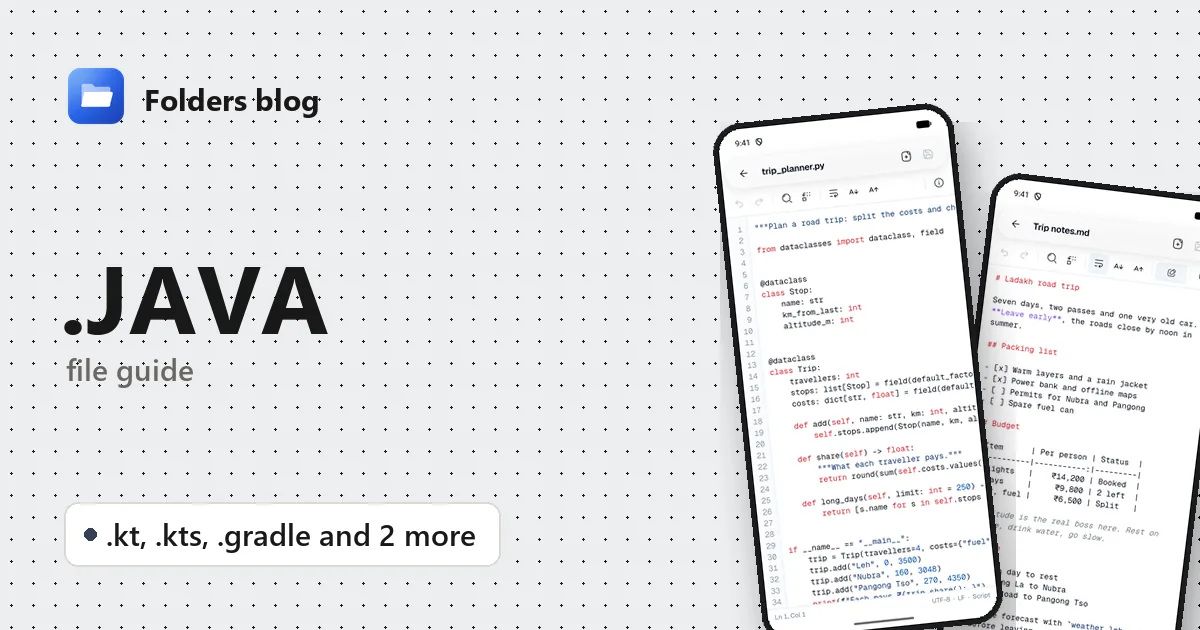
You’ve got Main.java from a programming course, or an Android project with .kt files and a build.gradle.kts, and you want to read it away from your desk. Tap it on a phone and nothing useful happens; on a PC without an IDE, Windows asks which program to use.
Every one of these files is plain text. Folders opens Java, Kotlin, Gradle, Groovy and Scala files in its text editor on Android, Windows and Linux, with highlighting, line numbers, search and saving.
What is a .java file?
A .java file holds source code in Java, the language Sun Microsystems released in the mid-1990s and Oracle looks after today. The javac compiler turns each one into .class files of bytecode, which the Java Virtual Machine (JVM) runs on any system. Java has one strict habit worth knowing: a public class must live in a file with exactly the same name, so public class Invoice belongs in Invoice.java.
The JVM runs other languages too, and they share the same tools and build systems:
| Extension | Language or format | What it’s for |
|---|---|---|
.java |
Java | Source code for apps, servers and older Android apps |
.kt |
Kotlin | Source code; JetBrains’ language, which Google recommends for Android apps |
.kts |
Kotlin script | Mostly Gradle build files: build.gradle.kts, settings.gradle.kts |
.gradle |
Gradle build script (Groovy) | The older style of Gradle build file: build.gradle |
.groovy |
Apache Groovy | A dynamic JVM language for scripts, tests and Jenkins pipeline libraries |
.scala |
Scala | A JVM language mixing object-oriented and functional styles; Apache Spark is written in it |
None of these are the compiled program. Compiled code comes as .class files packed into a .jar, which is a ZIP archive, and an Android app arrives as an .apk.
If you’re looking at an Android project, two files tell you most of what you need: app/build.gradle (or app/build.gradle.kts) holds the app’s ID, its minimum Android version and its libraries, and the Kotlin or Java sources sit under app/src/main/.
How to open a .java file with Folders
On Android
- Install Folders from the download section. Any phone on Android 7.0 or later will do.
- Open the app and tap Allow access, then turn on All files access so Folders can see your files.
- Browse to the project folder or search for the file name, such as
MainActivity.kt. - Tap the file to open it in the text editor.
A file sent through email, Drive or a chat app opens the same way: tap it and choose Open with → Folders. If the project came zipped, open the ZIP in Folders and tap a source file inside it.
On Windows and Linux
- Install Folders (Windows installer; deb, rpm, AppImage, Flatpak, Snap or tar.gz on Linux).
- Go to the project in Folders and double-click a
.java,.ktor.gradlefile. - On Windows, the installer adds Folders to File Explorer’s Open with menu for the types it opens: right-click the file, then Open with → Folders.
What you can do with it in Folders
- Highlighted code. Java, Kotlin, Groovy, Gradle and Scala files show keywords, strings, numbers and comments in colour, and annotations such as
@Overrideor@Composablestand out too. - Line numbers and Go to line. A stack trace says
at com.example.Invoice.total(Invoice.java:87). Go to line 87 puts you on the line that failed. - Find and Find and replace. Find every call to a method, or change a dependency version in a Gradle file, with Match case when it matters.
- Several files at once. Open the activity, its view model and the Gradle file in tabs and move between them.
- Edit and save. Change a line, undo it if needed, and tap Save. Word wrap and text size make long Kotlin lines readable on a small screen.
- Document info. It shows the cursor’s line and column, the encoding (UTF-8 for nearly all modern Java and Kotlin) and the line endings.
Folders doesn’t compile, run or refactor anything. For building, use the tools below.
Other ways to open .java files
- IntelliJ IDEA (its free edition covers Java, Kotlin, Groovy and Gradle) on Windows and Linux.
- Android Studio (free), for Android projects with Kotlin and Gradle.
- Visual Studio Code with Java or Kotlin extensions, or Eclipse for Java.
- The JDK itself: since Java 11,
java Hello.javaruns a single-file program straight from source.
Problems opening a .java file?
- You have
.classfiles, not.java. These are compiled bytecode, and a text editor shows mostly gibberish. A decompiler gives readable code back; IntelliJ IDEA has one built in. - “class X is public, should be declared in a file named X.java”. The file was renamed, or the class was. Rename one to match the other.
- Java and JavaScript mixed up. Despite the name, a
.jsfile is a different language with different tools. Folders opens both, but the advice for one doesn’t apply to the other. - A Gradle build fails after an edit.
.gradlefiles use Groovy syntax and.ktsfiles use Kotlin syntax, and code copied from one into the other often breaks: Kotlin needs double quotes and brackets around arguments where Groovy doesn’t.
Questions people ask
Can I open a .java file on Android? Yes. Folders opens it as highlighted text. You can read and edit the code; to run it, you need a JDK on a computer.
How do I run a .java file?
Install a JDK. Then either run java Hello.java directly, or compile with javac Hello.java and run java Hello.
.kt vs .kts: what’s the difference?
.kt is Kotlin source that’s compiled into an app. .kts is a Kotlin script, run as it is, and most of the ones you’ll meet are Gradle build files.
How do I convert Java to Kotlin? Android Studio and IntelliJ IDEA have a Convert Java File to Kotlin File command. Folders doesn’t convert code.
For the compiled side, read how to open JAR, WAR and AAR files. Gradle’s settings often live in a gradle.properties file: see how to open INI, CONF and .properties files. Or browse all 382 file types Folders opens.
Keep reading
How to open .C files (C and C++ source code) on Android, Windows and Linux
What .c, .h and .cpp files are and how to open, read and edit C, C++ and Objective-C source code for free on Android, Windows and Linux, with no IDE needed.
How to open .CS files (C# source code) on Android, Windows and Linux
What .cs, .csproj, .sln, .vcxproj and .xaml files are and how to open and edit C# code and Visual Studio projects for free on Android, Windows and Linux.
How to open .CSS files (style sheets) on Android, Windows and Linux
What CSS, SCSS, Sass and Less files are and how to open, read and edit style sheets for free on Android, Windows and Linux, with colours, search and replace.