 Folders
How to open .OGG files (Ogg Vorbis audio) on Android, Windows and Linux
What .ogg, .oga and .opus files are and how to open and play them for free on Android, Windows and Linux, from WhatsApp voice notes to game sound effects.
 Satyam Mishra5 min read
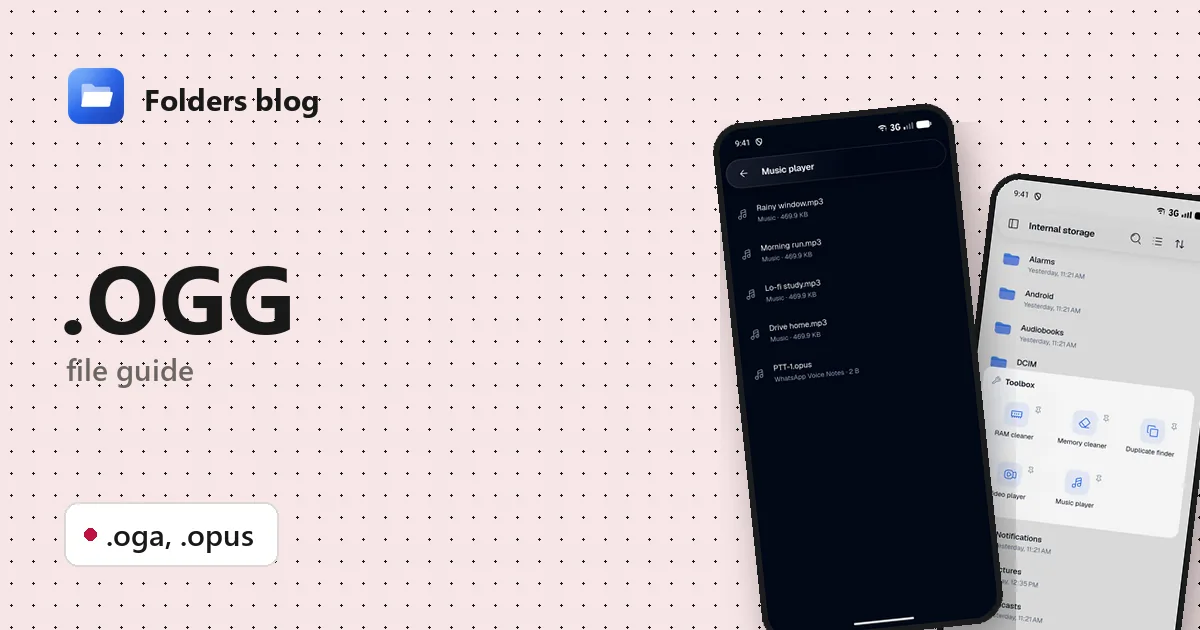
You copied a voice message out of a chat app and got a file ending in .opus. Or you found a folder of .ogg sounds inside a game, or someone sent you an .oga recording. Double-click it on Windows and you may get an error; on a phone, the music app may not even list it.
These are all Ogg audio files, an open format that plenty of apps play. Folders, a free file manager for Android, Windows and Linux, opens .ogg, .oga and .opus files in its audio player, offline and with no account.
What is an .ogg file?
Ogg is a container format made by the Xiph.Org Foundation, a non-profit that builds open, royalty-free media formats. A container is like an envelope: it holds the sound, plus details such as the title and artist. What matters is the codec inside the envelope, the method used to compress the sound.
- Vorbis is the classic Ogg codec. It’s lossy, like MP3, and widely used for music and sound effects in games and apps, because nobody has to pay to use it.
- Opus is newer and was standardised by the IETF, the body behind many internet standards. It’s very good at low bit rates and handles both speech and music, which is why voice messages and internet calls use it.
Ogg can also hold FLAC or the older Speex speech codec, but those are rarer.
| Extension | What it is |
|---|---|
| .ogg | An Ogg file, most often Vorbis music or sound effects; some apps also save Opus voice messages as .ogg |
| .oga | Ogg audio, the extension Xiph recommends for sound-only Ogg files, whatever the codec |
| .opus | Opus audio inside an Ogg container, common for voice notes and ripped online audio |
Video in Ogg uses .ogv instead; see how to open MPG, VOB and OGV videos.
A good example of .opus in daily life: WhatsApp on Android saves voice notes as .opus files, with names like PTT-20261104-WA0003.opus. Telegram voice messages are Opus too, usually saved as .ogg.
How to open an .ogg file with Folders
On Android
- Install Folders from the download section and let it see your files when it asks.
- Find the file. For WhatsApp voice notes, go to Android/media/com.whatsapp/WhatsApp/Media/WhatsApp Voice Notes; they’re sorted into one folder per week. Or type .opus or .ogg in the search box to find them in the folder you’re in and the folders inside it.
- Tap the file to play it in Folders’ audio player.
- From a chat or email app, choose Open with → Folders.
On Windows and Linux
- Install Folders (setup program or MSIX on Windows; deb, rpm, AppImage, Flatpak, Snap or tar.gz on Linux).
- Browse to the file in Folders and double-click it.
- On Windows, right-click the file in File Explorer and pick Open with → Folders. The installer registers Folders for .ogg, .oga and .opus, so it’s there in the menu.
What you can do with it in Folders
- Play and pause, and jump back 10 seconds to hear a phone number or an address in a voice note again, or forward 10 seconds past a long silence.
- Drag the seek bar to any point.
- Play all your audio in one queue with Toolbox → Music player (in the side menu).
- Rename voice notes from the file browser, so PTT-20261104-WA0003.opus becomes Directions to the venue.opus. Share or move them, or compress to ZIP to keep a set of messages together.
The player is deliberately simple: no speed control, no transcription and no conversion to other formats.
Other ways to open .ogg files
- VLC plays Ogg Vorbis and Opus on Android, Windows and Linux.
- A web browser: Chrome and Firefox play .ogg and .opus files dragged into a tab.
- Web Media Extensions: Microsoft’s free add-on from the Microsoft Store lets Windows’ own apps play Ogg Vorbis.
- Audacity opens both formats if you need to cut or edit the recording.
Problems opening an .ogg file?
Windows says it can’t play the file. Older Windows set-ups don’t include Ogg support. Install Web Media Extensions, or open the file in Folders or VLC instead.
The voice note is silent or only a second long. The chat app probably never finished downloading it. Open the chat, let the message download fully, then look for the file again.
An .ogg file has pictures as well as sound. Before .ogv became common, some videos were saved as .ogg. If a file plays only sound but should be a video, rename a copy to .ogv and it opens in Folders’ video player.
A download came as .webm or .weba instead. Online audio is often Opus inside a WebM container rather than Ogg. Folders plays those too; see how to open MKA and WEBA files.
Questions people ask
Can I open OGG files on Android? Yes. Tap the file in Folders, or use Open with → Folders from another app. The same goes for .oga and .opus.
What’s the difference between OGG and Opus? Ogg is the container; Opus and Vorbis are codecs that can go inside it. An .opus file is an Ogg file with Opus audio, and many .ogg files hold Vorbis.
How do I convert OGG or Opus to MP3? Folders doesn’t convert audio. Audacity, VLC’s Convert / Save option, or the command-line tool ffmpeg can do it, for example ffmpeg -i note.opus note.mp3.
Is OGG better than MP3? Both are lossy. At the same bit rate Vorbis is usually at least as good as MP3, and Opus does especially well at low bit rates, which is why it’s used for voice. MP3 still plays on more old hardware.
Related guides: where WhatsApp and Telegram keep your files and how to open M4A and AAC files. Or see all 382 file types Folders opens.
Keep reading
How to open .AIFF files (Apple audio) on Android, Windows and Linux
What .aiff, .aif and .caf files are and how to open and play these Apple audio formats for free on Android, Windows and Linux, with no Apple software needed.
How to open .FLAC files (lossless audio) on Android, Windows and Linux
What a .flac file is and how to open and play FLAC lossless audio for free on Android, Windows and Linux, plus why FLAC files are so big and how to shrink them.
How to open .M4A files (MPEG-4 audio) on Android, Windows and Linux
What .m4a, .aac and .m4b files are and how to open and play them for free on Android, Windows and Linux: voice memos, music from iTunes and audiobooks.