 Folders
How to open .PPTX files (PowerPoint presentations) on Android, Windows and Linux
What a .pptx file is and how to open PPTX PowerPoint slides for free on Android, Windows and Linux: view, present full screen and read speaker notes, offline.
 Satyam Mishra4 min read
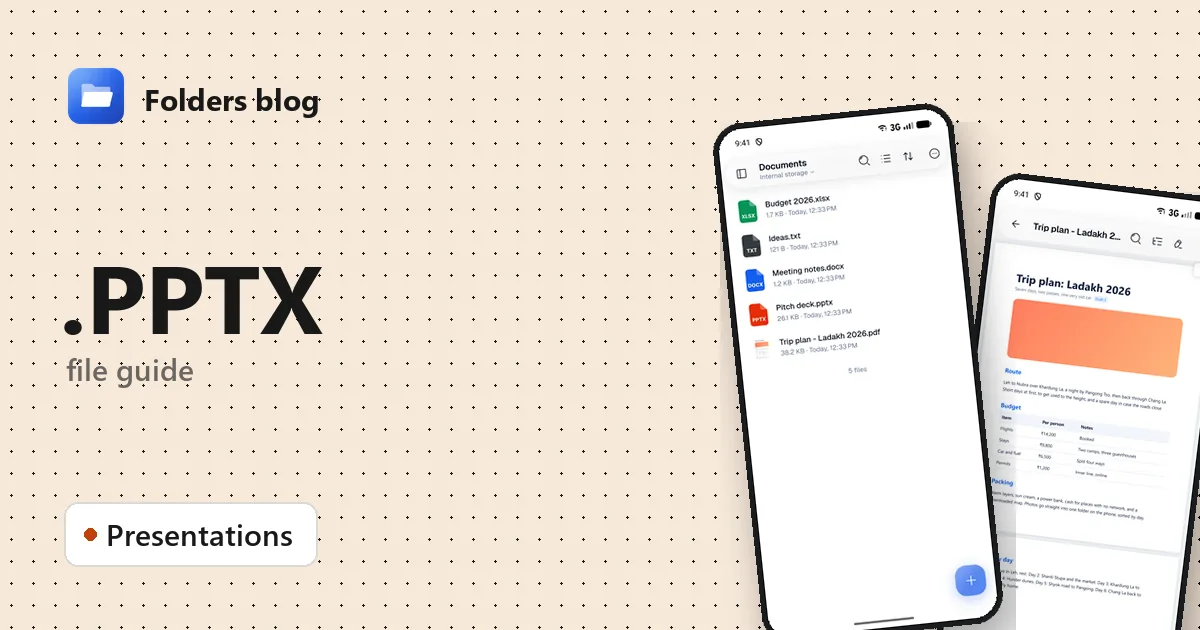
Lecture slides, a pitch deck from a colleague, the agenda for tomorrow’s meeting: PPTX is PowerPoint’s standard format, so it turns up everywhere. Without PowerPoint on the device, though, you may be stuck looking at a grey icon, or uploading the file somewhere just to read it.
Folders opens .pptx files in its presentation viewer on Android, Windows and Linux. It’s free, works offline and needs no Microsoft account. You can flip through the slides, read the speaker notes, present full screen and reorder slides.
What is a .pptx file?
PPTX is the presentation format Microsoft PowerPoint has saved by default since PowerPoint 2007. It’s part of Office Open XML, an open standard (ECMA-376, also ISO/IEC 29500) shared with Word’s .docx and Excel’s .xlsx.
A PPTX is really a ZIP archive with a fixed layout inside:
ppt/slides/holds one XML file per slide.ppt/slideLayouts/andppt/slideMasters/hold the designs the slides are built on.ppt/notesSlides/holds the speaker notes.ppt/media/holds the pictures, audio and video used in the deck, in their original files.
That last folder is a useful trick: copy the deck, rename the copy to .zip, and open it in Folders. It opens like any archive, and you can pull out the original photos or an embedded video without taking screenshots.
PPTX replaced the old binary .ppt. Its close relatives are .pptm (with macros), .ppsx (opens straight into the slide show) and .potx (a template), covered in how to open .PPTM, .PPSX and .POTX files.
How to open a .pptx file with Folders
Android
- Install Folders from the download section and allow access to your files.
- Find the deck in Download or Documents, or type part of its name in the search box.
- Tap it. The first slide appears, and the rest load behind it.
- If the deck is in Teams, Outlook, Gmail or a chat, tap it there and choose Open with → Folders.
Windows and Linux
- Install Folders and browse to the presentation.
- Open it in the presentation viewer.
- On Windows, right-click a .pptx in File Explorer and choose Open with → Folders; the installer adds it there for the types it opens.
What you can do with it in Folders
- Read the slides one after another, the way they were laid out.
- Present full screen and step through with next and previous. Good for a quick run-through on a laptop that has no Office.
- Speaker notes shows what the presenter wrote under each slide, often the most useful part of lecture slides.
- Go to slide… jumps straight to a number in a long deck.
- Rearrange slides. Duplicate slide, Delete slide, Move earlier and Move later, then Save. Handy for cutting a deck down before you present it.
Folders doesn’t edit the text on slides, and it doesn’t play animations or transitions. For rewriting slides, use PowerPoint, LibreOffice Impress or Google Slides.
Other ways to open .pptx files
- Microsoft PowerPoint on Windows, or the PowerPoint app on phones.
- PowerPoint for the web: free in a browser with a Microsoft account.
- LibreOffice Impress, free and open source on Windows and Linux, opens and saves PPTX.
- Google Slides: upload the file to Google Drive and open it there.
Problems opening a .pptx file?
- It asks for a password, or Folders says it’s password-protected. A deck saved with a password is encrypted. Open it in PowerPoint with the password and save a copy without one, or ask the sender for an unprotected copy.
- Text looks different or spills out of boxes. The deck uses fonts your device doesn’t have, so similar ones stand in. Ask the author to embed fonts when saving, or to send a PDF alongside.
- A video on a slide doesn’t play. Folders shows the slides but not embedded video. Rename a copy of the deck to
.zip, open it, find the video inppt/media, and tap it to play it in Folders’ video player. - It won’t open at all. A PPTX is a ZIP, so a download that stopped early breaks it. Save or download it again.
Questions people ask
How do I open a PPTX file without PowerPoint? Install Folders on your phone or computer and open the file. It shows the slides and notes, and can present them full screen, with no Office installed.
Can I edit a PPTX on my phone? In Folders you can reorder, duplicate and delete slides, then save. To change the words or pictures on a slide, use PowerPoint, Impress or Google Slides.
How do I convert PPTX to PDF? Folders doesn’t convert presentations. In PowerPoint use File → Save As → PDF; in LibreOffice, File → Export as PDF; in Google Slides, File → Download → PDF.
PPTX vs PPT: what’s the difference? PPT is the old binary format from PowerPoint 97-2003. PPTX is the ZIP-based format that replaced it: usually smaller, more robust, and the one every modern app expects.
More help: how to open old .PPT files and how to open .ODP presentations, or see all 382 file types Folders opens.
Keep reading
How to open .ODP files (OpenDocument presentations) on Android, Windows and Linux
What an .odp file is and how to open ODP and OTP slides from LibreOffice Impress for free on Android, Windows and Linux: view, present and read speaker notes.
How to open .PPT files (PowerPoint 97-2003) on Android, Windows and Linux
What a .ppt file is and how to open old PPT, PPS and POT PowerPoint slides for free on Android, Windows and Linux: view, present and read speaker notes.
How to open .PPTM files (macro-enabled PowerPoint) on Android, Windows and Linux
What .pptm, .ppsx, .ppsm and .potx files are and how to open PPTM, PPSX, PPSM and POTX PowerPoint files safely and for free on Android, Windows and Linux.