 Folders
How to open .TXT files (plain text) on Android, Windows and Linux
What a .txt file is and how to open, read and edit TXT, LOG, NFO, DIZ, README and other plain text files for free on Android, Windows and Linux, even huge logs.
 Satyam Mishra5 min read
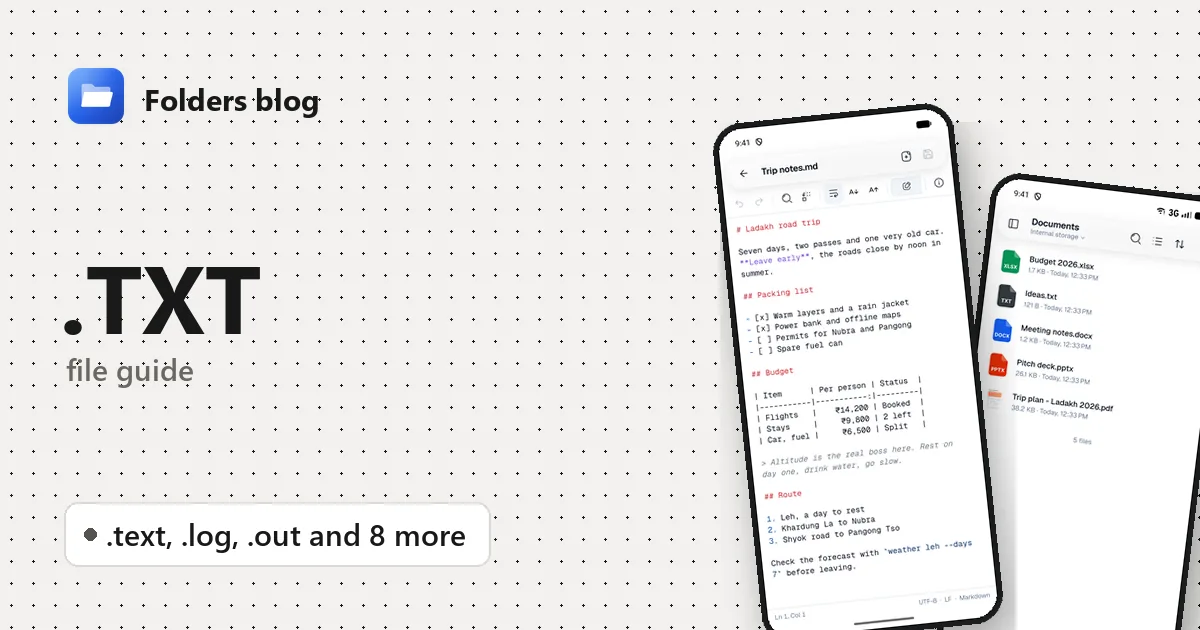
A text file sounds like the one thing every device can open. Then you meet a log of a few hundred megabytes that freezes your editor, a README.1ST that nothing claims, an .nfo full of odd symbols, or a phone with no app for editing text at all.
Folders opens plain text files of every common kind in its text editor on Android, Windows and Linux: small notes, old-style readme files and large logs. You can search them, jump to a line, edit and save.
What is a .txt file?
A .txt file holds only characters and line breaks: no fonts, colours, pictures or layout. That’s what makes it readable decades later on any system. Two invisible details still matter:
- Encoding: how letters are stored as bytes. Today that’s almost always UTF-8, which covers every language. Older Windows files often use Windows-1252, and some Windows tools write UTF-16.
- Line endings: Windows ends each line with two characters (CRLF), while Linux and Android use one (LF). Some older Windows programs show a file with Linux line endings as one long line.
Many files that aren’t called .txt are plain text too. Their extension says what they’re for, not what’s inside:
| Extension | What it is | Where you meet it |
|---|---|---|
.txt |
Plain text | Notes, lists, exported chats (WhatsApp exports a chat as .txt) |
.text |
The same, longer spelling | Less common; some programs use it |
.log |
A record a program writes as it runs | Apps, games, servers, installers, crash reports |
.out |
Output a program wrote | nohup.out on Linux servers, scientific and simulation programs |
.nfo |
An “info” file with release notes, often decorated with ASCII art | Software and media downloads; on Windows also System Information reports saved by msinfo32 (those are XML inside) |
.diz |
FILE_ID.DIZ, a short description packed inside an archive |
Old shareware and BBS archives, traditionally up to 10 lines of 45 characters |
.1st |
“Read this first”, as in README.1ST |
Old software and DOS-era archives |
.now |
“Read this now”, as in README.NOW |
The same era |
.todo |
A to-do list in plain text | Some note apps and editor plug-ins |
.me |
READ.ME |
Old programs and archives |
.readme |
Notes about a program or folder | Software downloads |
.license |
Licence terms | Open-source projects, fonts, downloaded assets |
Folders also opens common files with no extension, such as README, LICENSE, COPYING, CHANGELOG and AUTHORS, as text, and rotated logs like app.log.1 too, because it checks that a file is text before choosing how to open it.
How to open a .txt file with Folders
On Android:
- Install Folders from the download page and allow access to your files.
- Go to the folder, or search for the file by name.
- Tap it. It opens in the text editor, with word wrap on.
- From another app, such as an email or a chat, tap the file and choose Open with → Folders.
On Windows and Linux:
- Browse to the file in Folders and double-click it.
- On Windows, the installer also adds Folders to File Explorer’s Open with menu for these types: right-click → Open with → Folders.
What you can do with it in Folders
- Read comfortably with word wrap, line numbers and adjustable text size; Find, Find and replace (with Match case) and Go to line.
- Edit and Save, with undo and redo, with several files open as tabs.
- Document info shows the line and column, the encoding and the line endings. Saving keeps both, so a Windows file stays a Windows file.
- Huge logs open instantly. A large file shows in a read-only view (“Large file … shown read-only so it opens instantly”), where Find and Go to line work through the whole file. Edit loads it into the editor if it’s up to 8 MB.
- Honest about damaged text. Folders reads UTF-8 (with or without a byte-order mark), UTF-16 and Windows-1252. If a file has bytes that aren’t valid in its encoding, it opens read-only with a warning, because saving would replace them; Edit anyway lets you go ahead. If you type a character the file’s old encoding can’t store, Folders asks before saving it as UTF-8.
- Open in hex viewer when you suspect a file isn’t really text.
Other ways to open .txt files
- Notepad on Windows; GNOME Text Editor, gedit or Kate on Linux.
- Notepad++ (free, Windows) has an encoding menu for unusual files.
lesson Linux reads huge logs without loading them whole, andtail -ffollows a log as it grows.- LibreOffice Writer opens text files and lets you choose the encoding.
Problems opening a .txt file?
- The ASCII art in an .nfo is broken. NFO art is drawn with the box and block characters of the original IBM PC character set, code page 437. Folders reads the text but not that character set, so the drawing shows as accented letters and symbols while the words stay readable. An NFO viewer, or Notepad++ with the OEM-US character set, shows the art as intended.
- Letters in another alphabet look wrong. Old Cyrillic, Greek, Arabic or Chinese files often use a regional encoding. Convert them to UTF-8 on a computer, with Notepad++ or
iconv, and they’ll open correctly everywhere. - It’s all gibberish. The file isn’t text. On Linux,
a.outis a compiled program, not output. Open the file in the hex viewer: a ZIP starts withPK, a PDF with%PDF. - It opened read-only. Either it’s a large file (press Edit), or it contains invalid bytes (read the warning, then Edit anyway if you’re happy).
Questions people ask
How do I open a TXT file on Android? Install Folders and tap the file. It opens in the text editor, where you can also edit and save it.
How do I convert a TXT file to PDF or Word? Open it in LibreOffice Writer or Word and save it in the format you need, or print it to PDF. Folders edits text files but doesn’t convert them.
What is a .nfo file, and is it safe? It’s a text file with notes about a download. Reading it is safe. If a download that came with an .nfo also contains an unexpected .exe, that’s the file to be careful with.
What’s the difference between .log and .txt? None in format; both are plain text. A .log is written by a program as a record of what it did, often with a date and time on every line.
More text formats: how to open RST, AsciiDoc and Org files and Markdown and code files, or see all 382 file types Folders opens.
Keep reading
How to open .JSON files (JSON data) on Android, Windows and Linux
What a .json file is and how to open, read, format and edit JSON, GeoJSON, JSONC, JSON5 and HAR files for free on Android, Windows and Linux, even large ones.
How to open .M3U files (playlists) on Android, Windows and Linux
What an .m3u file is and how to open, read and edit M3U and M3U8 playlists, PLS, CUE sheets and .url shortcuts for free on Android, Windows and Linux.
How to open .PEM files (certificates and keys) on Android, Windows and Linux
What a .pem file is and how to open PEM certificates and .crt, .csr, .key, .pub and .asc files for free on Android, Windows and Linux, while keeping keys safe.