 Folders
How to open .TAR files (tar and tar.gz archives) on Android, Windows and Linux
What .tar, .gz and .tgz files are and how to open and extract TAR and tar.gz archives for free on Android, Windows and Linux, with no command line needed.
 Satyam Mishra4 min read
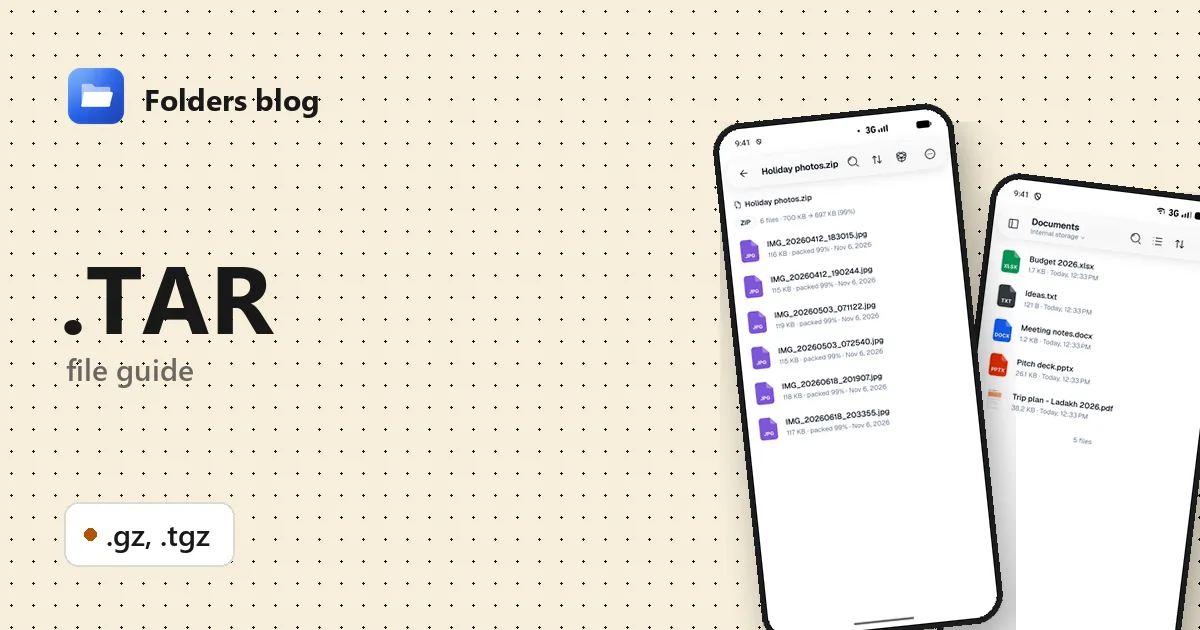
Source code downloads, Linux programs, server backups and log files often come as .tar, .tar.gz or .tgz. They’re everyday files on Linux, but on a phone they show up as an unknown file, and on Windows a double-click may get you nowhere.
These are archives: many files bundled into one. Folders opens them like a folder on Android, Windows and Linux, for free, so you can look inside, open a single file or extract the lot.
What is a .TAR file?
TAR stands for tape archive. It comes from early Unix, where it was used to write files onto backup tapes, and it’s still the standard way to bundle files on Linux. A tar file strings files one after another, each with a small header recording its name, size, date and permissions. It doesn’t compress anything by itself.
Compression is done by a separate tool, most often gzip, from the GNU project. gzip compresses a single file, so the usual recipe has two steps: bundle the files with tar, then compress the bundle with gzip. The result is .tar.gz, shortened to .tgz.
| Extension | What it is |
|---|---|
| .tar | A bundle of files and folders, not compressed |
| .gz | One file compressed with gzip: usually a .tar, sometimes a single file such as access.log.gz |
| .tgz | Short for .tar.gz: a gzip-compressed tar bundle |
One difference from ZIP matters in practice. A ZIP keeps a table of contents at its end, so a program can list it at once and pull out any one file. A tar file has no table of contents, and once it’s gzip-compressed, any program has to decompress it from the start to list it, or to reach a file near the end. That’s why a big .tar.gz takes a moment to open.
How to open a .TAR file with Folders
On Android
- Install Folders from the download page and allow access to your files.
- Find the archive (usually in Download), or type
.taror.gzinto the search box. - Tap it. Folders opens the archive like a folder, with a summary at the top.
From a browser or a chat app, choose Open with → Folders.
On Windows and Linux
Double-click the archive in Folders. On Windows, the installer also adds Folders to File Explorer’s Open with menu for .tar, .gz and .tgz, so you can right-click → Open with → Folders. On Linux, where tarballs are everywhere, Folders itself is offered as a tar.gz download among its other packages.
What you can do with it in Folders
- The contents in one step. A .tar.gz or .tgz opens straight to the files inside, not to a lone .tar that you then have to open again, as some archivers show it.
- Single-file .gz. A compressed file that isn’t a tar, such as
report.csv.gz, shows as one file calledreport.csv. Tap it to open it (a CSV opens in Folders’ spreadsheet editor) or extract it. - Summary: the number of files, their unpacked size and how much the archive saved.
- Search in archive and Sort to find your way around big source trees, and Archive info for details of the archive itself.
- Tap a file inside to open it directly: a README, a photo, a PDF.
- Extract all, or select files and Extract selected, with progress and a cancel button.
Folders makes ZIP files only (Compress to ZIP), not tar.gz.
Other ways to open .TAR files
- Windows’ own tools. Windows 10 and 11 include a
tarcommand (tar -xf file.tar.gzin a terminal), and recent versions of Windows 11 open tar archives in File Explorer. - 7-Zip (free, Windows): opens them in two steps, first the .gz, then the .tar inside.
- Linux:
tar -xzf file.tar.gzin a terminal, or your desktop’s archive manager, such as File Roller or Ark. - Android: other archive apps, such as ZArchiver.
Problems opening a .TAR file?
“The gzip data is damaged.” The download probably stopped early. Download it again, and if the site publishes a checksum (a .sha256 file or a long code beside the link), compare it.
The name says .gz, but the file isn’t compressed. Some downloads arrive already decompressed by the browser while keeping the .gz name. Folders checks what a file contains, not just its name, so a plain tar named .tar.gz still opens.
A file inside won’t run. A .tar.gz of source code has to be built first, and Linux programs don’t run on Windows or Android. Look for a README inside: it says what to do.
It ends in .tar.zst, .tar.bz2 or .tar.xz. Zstandard (.zst) isn’t among the formats Folders opens. bzip2 and XZ are: see the BZ2 and XZ guide.
Questions people ask
Can I open a .tar.gz file on Android? Yes. Tap it in Folders to see what’s inside, open single files, or extract it.
tar.gz vs ZIP: what’s the difference? ZIP compresses each file separately and keeps a table of contents. tar.gz bundles everything first and compresses it as one stream, which often makes it a little smaller but slower to browse. ZIP is more common on Windows, tar.gz on Linux.
How do I make a .tar.gz? Folders creates ZIP only. On Windows or Linux, tar -czf archive.tar.gz folder does it.
Is a .tar.gz file safe? An archive can’t do anything on its own. What matters is what’s inside: install scripts and programs only run if you run them, so only run files from sources you trust.
Related guides: ZIP, RAR and 7z files and BZ2 and XZ files. See all 382 file types Folders opens.
Keep reading
How to open .BZ2 files (bzip2 and XZ archives) on Android, Windows and Linux
What .bz2, .tbz, .tbz2, .xz and .txz files are and how to open and extract bzip2 and XZ archives for free on Android, Windows and Linux, with no terminal.
How to open .ISO files (disc images) on Android, Windows and Linux
What an .iso disc image is and how to open it for free on Android, Windows and Linux: look inside, open single files and copy them out, with no disc to burn.
How to open .JAR files (Java archives) on Android, Windows and Linux
What a .jar file is and how to open JAR, WAR and AAR archives for free on Android, Windows and Linux: look inside, read the manifest and extract the files.