 Folders
How to open .DOCX files (Word documents) on Android, Windows and Linux
What a .docx file is and how to open, read and edit Word DOCX documents for free on Android, Windows and Linux, without Microsoft Word or an account.
 Satyam Mishra5 min read
Someone emails you a CV, a school assignment or a draft contract as a .docx file. Your phone suggests an office app that wants you to sign in, and a Linux laptop or a PC without Office won’t open it at all.
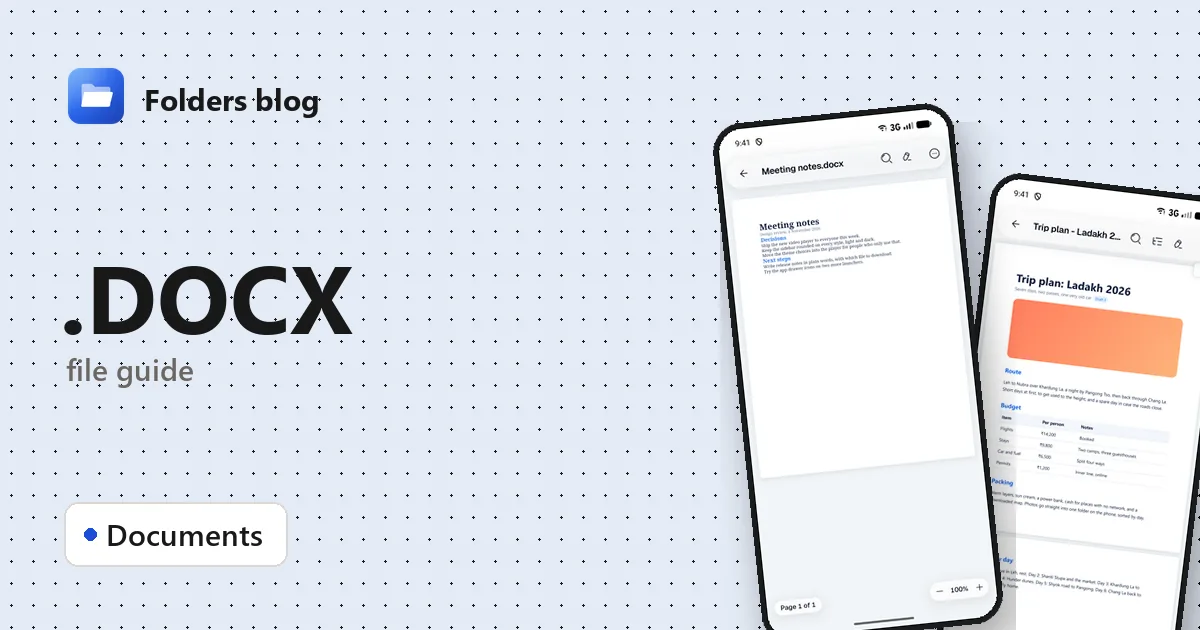
You don’t need Microsoft Word to read a DOCX or fix a typo in one. Folders, a free file manager for Android, Windows and Linux, opens .docx files in its document viewer, lets you edit the text and save, and never asks for an account.
What is a .docx file?
A .docx file is a Microsoft Word document. It has been Word’s standard format since Office 2007, replacing the older .doc. The format, Office Open XML, is an international standard (ECMA-376 and ISO/IEC 29500), so many other programs read and write it too.
Inside, a DOCX is a ZIP archive full of XML files:
- word/document.xml holds the text and its formatting;
- word/styles.xml holds the styles, such as Heading 1 or Normal;
- word/media/ holds every picture in the document;
That has a handy side effect. If you need the original photos out of a document, rename a copy of it from .docx to .zip and open the ZIP in Folders. The pictures are in word/media: tap one to see it, or select them and choose Extract selected.
Several Word formats look alike but behave differently:
| Extension | How it differs from .docx |
|---|---|
| .doc | The older binary format of Word 97–2003 |
| .docm | A document that contains macros |
| .dotx, .dotm | Templates, used to start new documents |
| .rtf, .odt | Other word processor formats that Word can also open |
How to open a .docx file with Folders
On Android
- Install Folders from the download section. When it asks, allow it to access your files.
- Find the document. Saved attachments are usually in Download; type .docx in the search box to list every Word document in the folder you’re in and the folders inside it.
- Tap the file. It opens in Folders’ document viewer.
- From Gmail, Outlook, WhatsApp or any other app, choose Open with → Folders.
On Windows and Linux
- Install Folders on Windows 10 or 11 (setup program or MSIX) or on Linux (deb, rpm, AppImage, Flatpak, Snap or tar.gz).
- Browse to the document in Folders and double-click it.
- On Windows, right-click a .docx in File Explorer and choose Open with → Folders, even where Word is the default.
What you can do with it in Folders
- Read in a clean view that fits your screen, or in Print layout to see the pages as they’d print.
- Find any word in the document, and use Outline to jump between its headings.
- Dark page for reading at night, and Copy text to paste the contents elsewhere.
- Document info shows the format, size, number of pages and words, and the page size.
- Edit the text, then Save or Save as copy. Folders changes only the text when it saves; styles, headers, footers and pictures are kept as they were. Tables and pictures stay in place but can’t be edited in Folders.
It’s made for reading and quick fixes, not for writing a long report. Tracked changes aren’t marked up (you see the text with the changes in place), review comments don’t show, and complex layouts may look slightly different from Word.
Other ways to open .docx files
- Microsoft Word: on Windows, on the web at office.com with a free Microsoft account, and on phones.
- LibreOffice Writer: free and open-source for Windows and Linux, and reads and writes DOCX.
- Google Docs: upload the file to Google Drive and open it there.
- ONLYOFFICE: free desktop editors for Windows and Linux, with good DOCX support.
Problems opening a .docx file?
“The file is corrupt and cannot be opened.” Because a DOCX is a ZIP, a file cut off during a download or transfer breaks completely. Get a fresh copy; Word’s Open and Repair option (next to the Open button) can sometimes rescue it.
Folders says the document is password-protected. The author encrypted it. Open it in Word or another app that can decrypt it and type the password.
The layout looks a bit off. Usually a font is missing: documents written in fonts that come with Office, such as Calibri, reflow where those fonts aren’t installed, which is common on Linux. The text is all there.
It’s called .docx but won’t open in Word. Sometimes a file gets the wrong extension, such as an old .doc or an RTF renamed to .docx. Folders looks at what’s inside rather than trusting the name, so it often opens these anyway.
Questions people ask
How do I open a DOCX file without Word? Use Folders on Android, Windows and Linux, LibreOffice Writer on a computer, or Google Docs in a browser.
Can I edit a Word document on Android for free? Yes. In Folders, tap Edit, change the text, then Save. No account is needed.
How do I convert DOCX to PDF? Folders doesn’t make PDFs from Word files. In Word, use Save As and choose PDF; in LibreOffice, File → Export as PDF; in Google Docs, File → Download → PDF.
DOCX vs DOC: what’s the difference? DOCX is the modern, ZIP-based format from Word 2007 onwards: smaller and more widely supported. DOC is the old binary format of Word 97–2003.
Can a .docx file contain a virus? A .docx can’t hold macros, which is how most malicious Word files work; those need .docm or the old .doc. It can still contain links, so be careful with documents you weren’t expecting.
More document guides: how to open DOC files and how to open DOTM, DOTX and DOCM files. Or see all 382 file types Folders opens.
Keep reading
How to open .DOC files (Word 97–2003 documents) on Android, Windows and Linux
What .doc, .dot and .wps files are and how to open, read and convert old Word and Works documents for free on Android, Windows and Linux, saving them as DOCX.
How to open .DOTM files (Word macro-enabled templates) on Android, Windows and Linux
What a .dotm file is and how to open, read and edit DOTM, DOTX and DOCM files for free on Android, Windows and Linux, with no Microsoft Word needed.
How to open .ODT files (OpenDocument Text) on Android, Windows and Linux
What .odt, .ott and .fodt files are and how to open and read OpenDocument Text from LibreOffice for free on Android, Windows and Linux, and save a copy as DOCX.