 Folders
How to open .DOC files (Word 97–2003 documents) on Android, Windows and Linux
What .doc, .dot and .wps files are and how to open, read and convert old Word and Works documents for free on Android, Windows and Linux, saving them as DOCX.
 Satyam Mishra5 min read
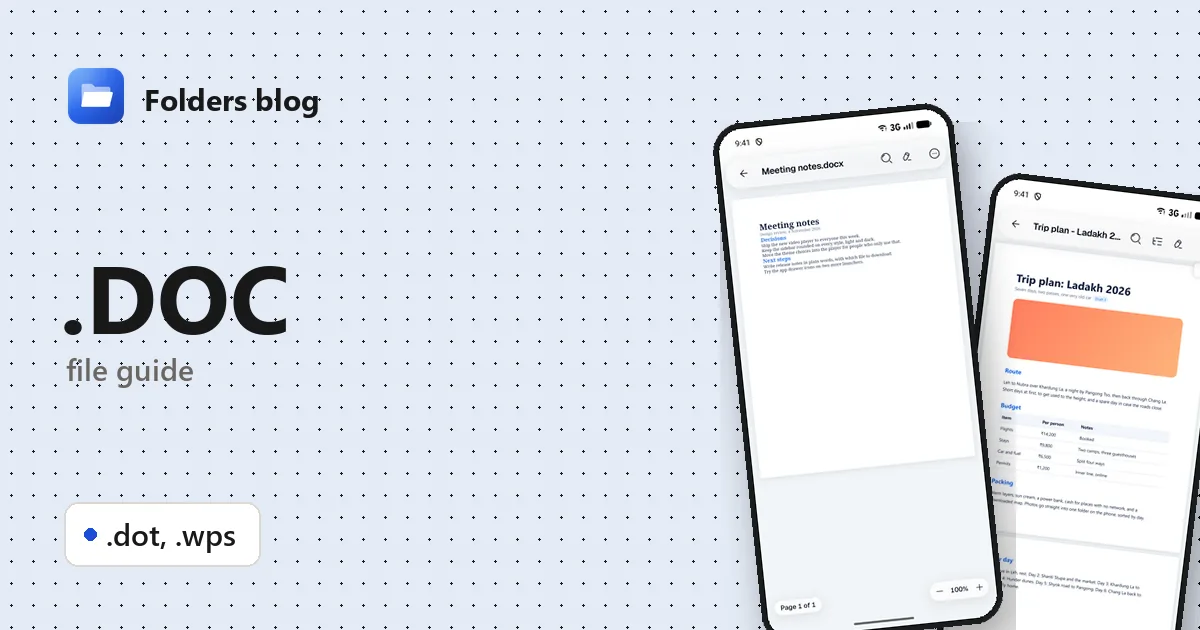
You’ve dug out old letters, essays or family records from a backup drive, and they’re all .doc files from the days of Word 2003. Or a relative’s old PC is full of .wps files nobody can open. Modern apps sometimes refuse them.
These older formats are still readable. Folders, a free file manager for Android, Windows and Linux, opens .doc, .dot and .wps files in its document viewer, and can turn them into modern .docx files with one tap.
What is a .doc file?
A .doc file is a document from Microsoft Word 97 to Word 2003. Unlike today’s .docx, a ZIP of readable XML, a .doc is a binary file built on Microsoft’s Compound File format, a miniature file system inside one file that old .xls and .ppt files use too. Microsoft published the format’s details in 2008.
Since Word 2007, .docx has been the default. Word still opens .doc files, but shows them in Compatibility Mode.
A .dot is a Word 97–2003 template, the starting point for new documents. One important difference from the modern formats: there’s no separate “macro-enabled” extension in the old format. Any .doc or .dot file can contain macros. That’s why old Word files were a classic way to spread macro viruses, Melissa in 1999 being the most famous.
.wps is confusing, because two unrelated programs use it:
- Microsoft Works, a cheap home office suite that came with many PCs in the 1990s and 2000s, since discontinued, saved its word processor documents as .wps.
- WPS Office (from Kingsoft) uses .wps for documents from its Writer app.
| Extension | What it is |
|---|---|
| .doc | Word 97–2003 document (binary format) |
| .dot | Word 97–2003 template; can hold macros |
| .wps | A Microsoft Works or WPS Office Writer document |
How to open a .doc file with Folders
On Android
- Download Folders from the download section and install it; let it access your files when it asks.
- Copy the old files to your phone, or plug in the USB drive they’re on. Typing .doc in the search box finds .doc and .docx files in the folder you’re in and the folders inside it; .wps finds Works files.
- Tap a file to open it in Folders’ document viewer.
- From an email or chat app, choose Open with → Folders.
On Windows and Linux
- Install Folders: the setup program or MSIX on Windows 10 and 11, or the package that suits your Linux distribution.
- Browse to the files in Folders and double-click one.
- On Windows, right-click a .doc, .dot or .wps file in File Explorer and choose Open with → Folders.
What you can do with it in Folders
- Read in a clean view or Print layout, Find words, jump between headings with Outline, switch on Dark page, and Copy text.
- Document info shows the format (for example Word 97–2003 document), pages, words and page size.
- Save as .docx, from the menu, makes a modern Word copy beside the original: the easy way to bring old documents up to date, or to send one to someone whose app won’t take .doc.
- Edit the text. Folders doesn’t write the old binary format, so it tells you that your edits will be saved as a new .docx file, and the original .doc stays as it was.
A few things Folders handles that often trip up other apps:
- A .doc that isn’t really a .doc. Programs and websites that “save as Word” sometimes write RTF, a DOCX, or even a web page and call it .doc. Folders looks at what’s inside, so these open too (a web page shows as plain text).
- Two kinds of .wps. A .wps built like a Word 97–2003 file inside opens with its formatting. Older Microsoft Works documents show their text only, with a note that the formatting isn’t supported.
- Macros never run. That’s a real advantage with old .doc and .dot files of unknown origin.
Other ways to open .doc files
- Microsoft Word opens .doc and .dot in Compatibility Mode; File → Info → Convert upgrades a file to .docx.
- LibreOffice Writer: free for Windows and Linux, reads .doc and .dot, and has its own import filter for Microsoft Works documents.
- Google Docs imports .doc files uploaded to Google Drive.
- WPS Office opens its own .wps files.
Problems opening a .doc file?
Folders says the document is password-protected. Old Word files could be locked with a password. Open it in Word or another app that can decrypt it, then save an unlocked copy.
Some characters show as �. Very old documents can use a character encoding from before Unicode. Folders tells you when some text uses an encoding it can’t show; usually it’s a few symbols or accented letters.
The file is from Word 6 or Word 95. Those versions predate the Word 97–2003 format and many apps struggle with them; LibreOffice is often the best bet.
A Works file shows text but no formatting. That’s expected for older Works documents. If the layout matters, try LibreOffice, then save the result as .docx.
Questions people ask
How do I open an old .doc file on Android? Install Folders and tap the file, or use Open with → Folders from your email or chat app.
How do I convert DOC to DOCX? In Folders, open the .doc and choose Save as .docx from the menu. In Word, use File → Info → Convert, or Save As and pick Word Document.
What is a .wps file and what opens it? It’s a word processor document from Microsoft Works or WPS Office. Folders opens both kinds (Works files as text), and LibreOffice and WPS Office open them too.
DOC vs DOCX: what’s the difference? DOC is Word’s binary format from 1997–2003; DOCX is the ZIP-based format Word has used since 2007. DOCX files are usually smaller and can’t carry macros, while any .doc can.
Are old .doc files dangerous? They can contain macros, which is how macro viruses spread. Opening them in Folders is safe because it never runs macros. In Word, don’t enable macros in a file you aren’t sure about.
More document guides: how to open DOCX files and how to open RTF files. For old Excel files, see how to open XLS files. Or see all 382 file types Folders opens.
Keep reading
How to open .DOCX files (Word documents) on Android, Windows and Linux
What a .docx file is and how to open, read and edit Word DOCX documents for free on Android, Windows and Linux, without Microsoft Word or an account.
How to open .DOTM files (Word macro-enabled templates) on Android, Windows and Linux
What a .dotm file is and how to open, read and edit DOTM, DOTX and DOCM files for free on Android, Windows and Linux, with no Microsoft Word needed.
How to open .ODT files (OpenDocument Text) on Android, Windows and Linux
What .odt, .ott and .fodt files are and how to open and read OpenDocument Text from LibreOffice for free on Android, Windows and Linux, and save a copy as DOCX.