 Folders
How to open .ODT files (OpenDocument Text) on Android, Windows and Linux
What .odt, .ott and .fodt files are and how to open and read OpenDocument Text from LibreOffice for free on Android, Windows and Linux, and save a copy as DOCX.
 Satyam Mishra5 min read
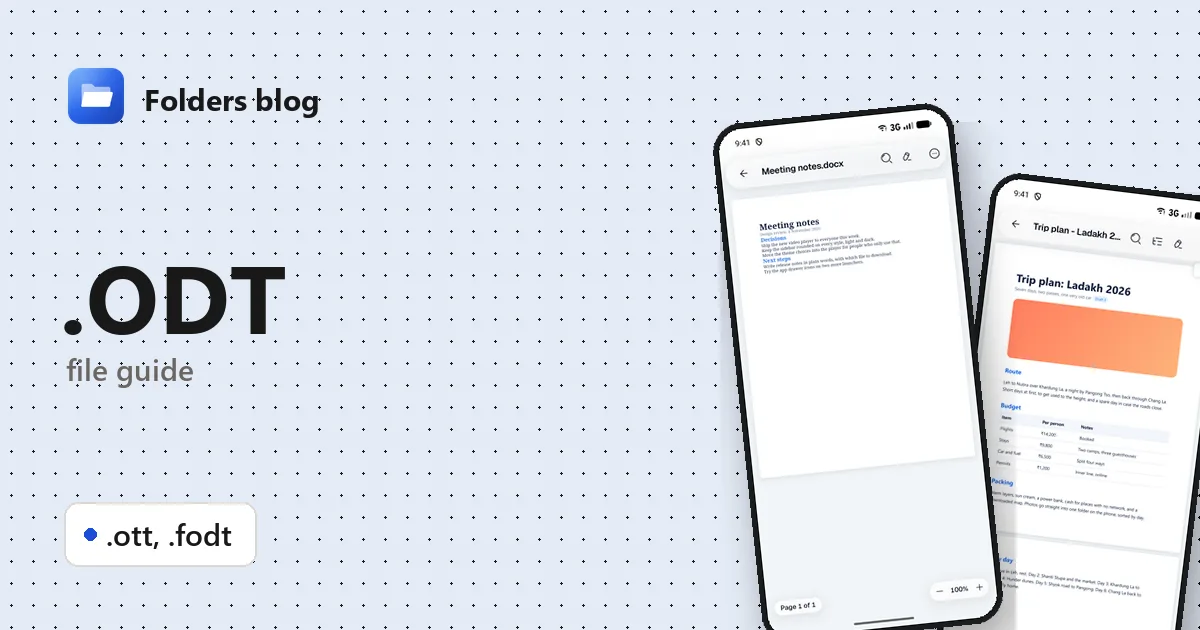
A classmate who uses LibreOffice sends you their part of a group project as an .odt file. A council or government website offers a form to download as .odt. Your phone has no idea what to do with it, and on a work PC it may open in Word looking a little odd, if it opens at all.
ODT is an open, standard format and plenty of apps read it. Folders, a free file manager for Android, Windows and Linux, opens .odt, .ott and .fodt files in its document viewer and can save a .docx copy for anyone who works in Word.
What is an .odt file?
ODT stands for OpenDocument Text. It’s the word processor part of the OpenDocument Format (ODF), an open standard developed at OASIS from the file format of OpenOffice.org, and approved as an international standard (ISO/IEC 26300) in 2006. It’s the default format of LibreOffice Writer and Apache OpenOffice, and Microsoft Word and Google Docs can read and save it too.
Because it’s open and not owned by any one company, some governments and public bodies use ODF for sharing editable documents; the UK government, for example, adopted it as a standard for that in 2014.
Like DOCX, an .odt file is a ZIP archive. Inside you’ll find:
- a small file called mimetype, which says what kind of document it is;
- content.xml with the text, and styles.xml with the styles;
- meta.xml with details such as the author and word count;
- a Pictures folder with any images.
The family has three members:
| Extension | What it is |
|---|---|
| .odt | OpenDocument Text: a normal document, zipped |
| .ott | OpenDocument Text template, the starting point for new documents |
| .fodt | Flat OpenDocument Text: the same content as one plain XML file, not zipped |
FODT is the odd one out. Because it’s a single readable text file, it’s bigger than an .odt, but tools like Git can show exactly what changed between two versions, which is why some people keep documents in it. Many apps don’t recognise it.
How to open an .odt file with Folders
On Android
- Download Folders from the download section. Open it once and allow access to your files.
- Find the document, usually in Download. Typing .odt in the search box lists every ODT in the folder you’re in and the folders inside it; .ott and .fodt work the same way.
- Tap the file to open it in Folders’ document viewer.
- From your email or chat app, choose Open with → Folders.
On Windows and Linux
- Install Folders (setup program or MSIX on Windows 10 and 11; deb, rpm, AppImage, Flatpak, Snap or tar.gz on Linux).
- Browse to the file in Folders and double-click it.
- On Windows, right-click the file in File Explorer and pick Open with → Folders. The installer registers Folders for .odt, .ott and .fodt, so even the rarer flat files have somewhere to go.
What you can do with it in Folders
- Read in a clean view that fits your screen, or in Print layout to see the pages as they’d print.
- Find a word, jump between headings with Outline, use Dark page at night, and Copy text into an email or message.
- Document info shows the format, pages, words, characters and page size.
- Save as .docx from the menu makes a Word copy beside the original, so you can send it to someone who only has Word.
- Edit the text. Folders doesn’t write OpenDocument files itself, so it tells you your edits will be saved as a new .docx, and the original .odt is left untouched.
A template (.ott) opens like any other document: you can read and edit it, but Folders doesn’t create a new document from it the way LibreOffice does. A flat .fodt opens directly, with no need to convert it first.
As with any app that isn’t the one a document was written in, complex layouts may look slightly different from LibreOffice.
Other ways to open .odt files
- LibreOffice Writer: the format’s home, free for Windows and Linux. On Android, Collabora Office is built on LibreOffice.
- Microsoft Word opens and saves ODT, though some formatting can shift.
- Google Docs imports .odt files uploaded to Google Drive.
- Apache OpenOffice still opens them too.
Problems opening an .odt file?
Word opens it but the layout has moved. Word and LibreOffice don’t handle every feature the same way. For a faithful view, use LibreOffice; for a quick read, Folders’ Print layout is a good check.
It asks for a password, or won’t open anywhere. LibreOffice can save documents with a password, which encrypts the contents. Open it in LibreOffice, type the password, and save a copy without it if you need to share it.
“The file is corrupt.” An .odt is a ZIP, so an unfinished download or copy breaks it. Get a fresh copy. LibreOffice offers to repair damaged files when it finds a problem.
Nothing else recognises a .fodt. That’s normal: flat files are rare outside LibreOffice. Open it in Folders and Save as .docx, or open it in LibreOffice and save it as a normal .odt.
Questions people ask
Can I open an ODT file without LibreOffice? Yes. Folders opens it on Android, Windows and Linux, and Word and Google Docs can read it too.
Can Microsoft Word open ODT files? Yes, current versions of Word open and save .odt, although complex formatting may change a little.
How do I convert ODT to DOCX? In Folders, open the file and choose Save as .docx. For a PDF, use LibreOffice’s File → Export as PDF; Folders doesn’t make PDFs from documents.
ODT vs DOCX: what’s the difference? Both are zipped XML documents and both are international standards. ODT comes from OpenOffice and is LibreOffice’s own format; DOCX comes from Microsoft and is Word’s. Each program handles its own format best.
More OpenDocument guides: how to open ODS spreadsheets and how to open ODP presentations, or for Word files, how to open DOCX files. Or see all 382 file types Folders opens.
Keep reading
How to open .DOC files (Word 97–2003 documents) on Android, Windows and Linux
What .doc, .dot and .wps files are and how to open, read and convert old Word and Works documents for free on Android, Windows and Linux, saving them as DOCX.
How to open .DOCX files (Word documents) on Android, Windows and Linux
What a .docx file is and how to open, read and edit Word DOCX documents for free on Android, Windows and Linux, without Microsoft Word or an account.
How to open .DOTM files (Word macro-enabled templates) on Android, Windows and Linux
What a .dotm file is and how to open, read and edit DOTM, DOTX and DOCM files for free on Android, Windows and Linux, with no Microsoft Word needed.