 Folders
How to open .ODS files (OpenDocument spreadsheets) on Android, Windows and Linux
What an .ods file is and how to open, read and edit ODS and OTS spreadsheets from LibreOffice for free on Android, Windows and Linux, and save them as .xlsx.
 Satyam Mishra4 min read
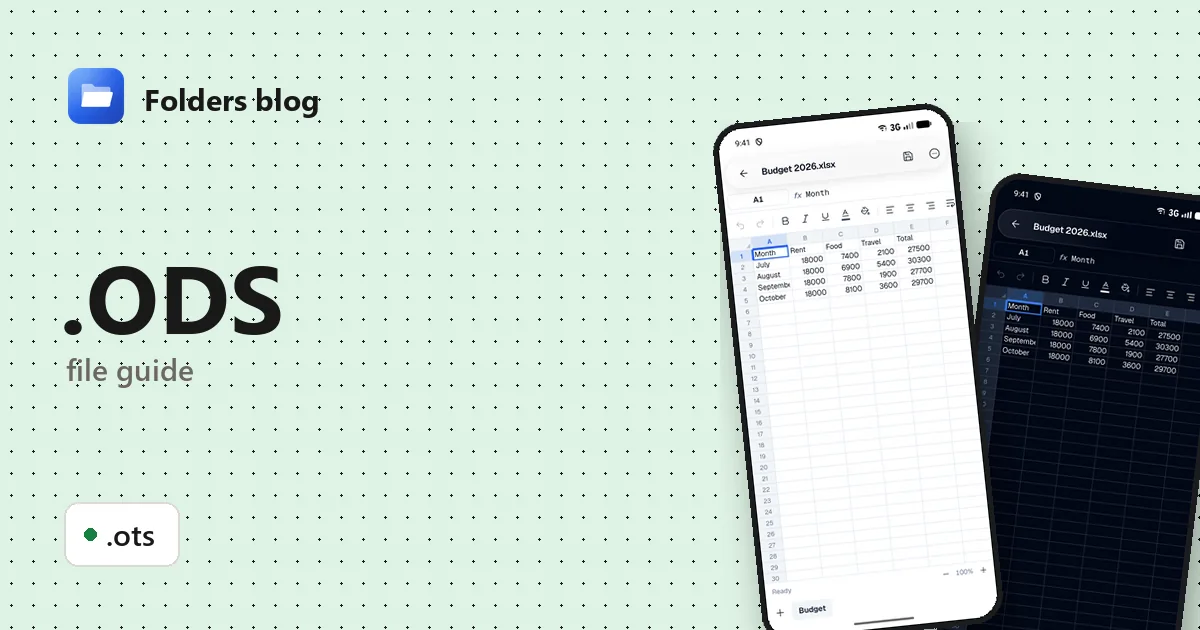
A friend who uses LibreOffice sends you a budget, a club shares its rota, or a public body publishes its figures as .ods. If you’re used to Excel files, the extension looks unfamiliar, and many phones treat it as an unknown file.
Folders opens .ods files, and .ots templates, in its spreadsheet editor on Android, Windows and Linux. It’s free, works offline, and can turn the file into an .xlsx for anyone who uses Excel.
What is an .ods file?
ODS stands for OpenDocument Spreadsheet. It belongs to the OpenDocument Format (ODF), an open standard maintained by OASIS and published as ISO/IEC 26300. It’s the default format of LibreOffice Calc and Apache OpenOffice Calc, and Excel and Google Sheets can open and save it too. Because it isn’t tied to one company, some governments ask for it: the UK government, for example, chose ODF as its standard for editable documents it shares.
Inside, an .ods file is a ZIP archive. It holds content.xml (the cells and formulas), styles.xml, meta.xml (author, dates), a manifest, and a tiny file called mimetype that says what kind of document it is. You can see this for yourself: copy the file, rename the copy to .zip, and Folders opens it like any other archive.
| Extension | What it is |
|---|---|
| .ods | OpenDocument spreadsheet |
| .ots | OpenDocument spreadsheet template: the same format, meant to be copied for new files |
ODS and XLSX look alike from the outside (both are ZIPs of XML), but their XML is completely different. Most data and formatting move between them fine; some functions, conditional formats and charts don’t translate perfectly in either direction.
How to open an .ods file with Folders
On Android
- Download Folders from the download section, install it and allow access to your files.
- Find the file: check Download or Documents, or search for its name.
- Tap it. The spreadsheet opens with its sheets as tabs.
- From email or chat apps, use Open with → Folders.
On Windows or Linux
- Install Folders, browse to the file and open it.
- On Windows, the installer also adds Folders to File Explorer: right-click the .ods, then Open with → Folders. Handy on a PC with Excel, where .ods files might otherwise open in a program you didn’t want.
What you can do with it in Folders
- Work with sheets. Each sheet is a tab you can rename, duplicate, hide, move or delete, and you can add new ones.
- Check and change values. Tap a cell to see its contents and edit it; undo and redo as you go.
- Format. Bold, italic, alignment, fill colour, decimals and custom number formats.
- Find & replace with match case, and Go to a cell or range.
- Save as .xlsx. Folders writes spreadsheets as .xlsx, so saving an .ods gives you a new .xlsx next to it and leaves the .ods as it was. LibreOffice users can open that .xlsx without trouble.
An .ots template opens like any spreadsheet, so you can see what it contains. Charts and pivot tables aren’t shown in Folders.
Other ways to open .ods files
- LibreOffice Calc, the program that usually makes them: free on Windows and Linux. On Android, Collabora Office is based on it.
- Microsoft Excel opens and saves ODS through File → Open, though some formatting may shift.
- Google Sheets: upload the file to Google Drive and open it.
Problems opening an .ods file?
- It has a password. LibreOffice encrypts a file saved with a password, and Folders says it can’t open it. Open it in LibreOffice with the password, then save a copy without one.
- It ends in .sxc, not .ods. That’s the older OpenOffice.org 1 spreadsheet format that came before ODF. Open it in LibreOffice and save it as .ods or .xlsx.
- Something looks different. Charts, complex conditional formatting and LibreOffice-only functions may not look the same outside LibreOffice. For a faithful view of those, use LibreOffice itself.
- It won’t open at all. Since the file is a ZIP, a download that was cut short breaks the whole thing. Get a fresh copy.
Questions people ask
Can Excel open ODS files? Yes. Excel opens .ods through File → Open and can save as OpenDocument Spreadsheet, though not every feature survives the trip.
How do I convert ODS to XLSX? Open the file in Folders and choose Save as .xlsx. In LibreOffice, use File → Save As and pick the Excel 2007-365 type.
How do I open an ODS file on Android? Install Folders and tap the file. You can read and edit it without a LibreOffice install or an internet connection.
ODS vs XLSX: which should I use? Use whatever the people you work with use. ODS is an open ISO standard and LibreOffice’s native format; XLSX is Excel’s, and the one most software expects.
Related guides: how to open .XLSX files and how to open .ODT documents. Or see all 382 file types Folders opens.
Keep reading
How to open .CSV files (comma-separated values) on Android, Windows and Linux
What a .csv file is and how to open, read and edit CSV files for free on Android, Windows and Linux, as a table with the right delimiter, no Excel needed.
How to open .TSV files (tab-separated values) on Android, Windows and Linux
What .tsv, .tab and .psv files are and how to open, read and edit TSV, TAB and PSV data files for free on Android, Windows and Linux, as a clear table.
How to open .XLS files (Excel 97-2003 workbooks) on Android, Windows and Linux
What an .xls file is and how to open, read and edit old XLS and XLT Excel workbooks for free on Android, Windows and Linux, with no Microsoft Excel needed.