 Folders
How to open .PDF files (Portable Document Format) on Android, Windows and Linux
What a .pdf file is and how to open, read, sign and organise PDF files for free on Android, Windows and Linux, including password-protected and scanned PDFs.
 Satyam Mishra5 min read
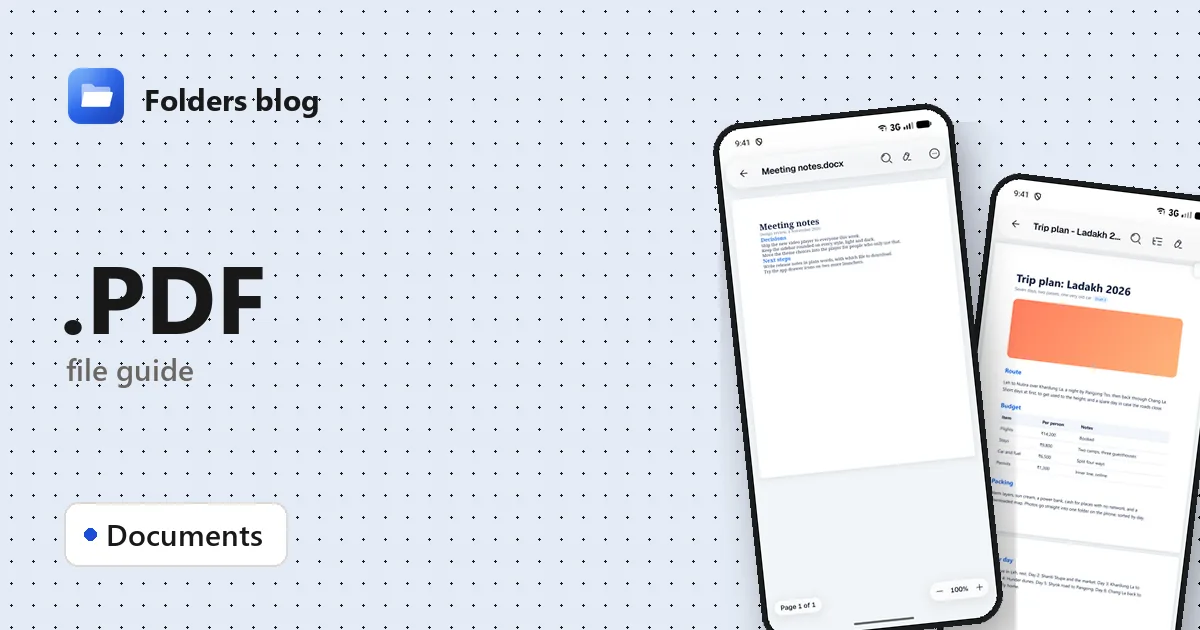
A bank statement, a boarding pass, a rental contract that needs your signature by Friday: sooner or later it arrives as a PDF. On a phone you’re pushed towards an app that wants an account; on a computer the browser shows the pages but can’t sign or rearrange them.
Folders, a free file manager for Android, Windows and Linux, opens PDF files in its own viewer, where you can search, add notes, sign, reorder pages and remove a password you know, all offline.
What is a .pdf file?
PDF stands for Portable Document Format. Adobe created it in the early 1990s so a document would look the same on any computer, phone or printer, and it became an open international standard (ISO 32000) in 2008.
The key idea is a fixed layout. A Word document reflows when the screen or fonts change; a PDF places every line, picture and drawing at an exact spot, usually with the fonts built in. That’s why contracts, invoices, tickets and manuals come as PDFs.
A PDF can also carry bookmarks, links, comments, form fields, signatures, attachments and even scripts. And not every PDF is the same inside, which explains most surprises:
| Kind of PDF | What that means for you |
|---|---|
| Made from a document (Word, a website, an app) | The text is real text: you can search it and copy it |
| Scanned from paper | Each page is a picture of the paper: it looks fine, but there’s no text to search |
| Password-protected | You need the password to open it at all |
How to open a .pdf file with Folders
On Android
- Download Folders from the download section, install it, and allow access to your files when it asks.
- Find the PDF. Downloads and email attachments you saved are usually in Download; typing .pdf in the search box lists every PDF in the folder you’re in and the folders inside it.
- Tap the file to open it in Folders’ PDF viewer.
- If the PDF is in an email or a chat, choose Open with → Folders from that app.
On Windows and Linux
- Install Folders (setup program or MSIX on Windows 10 and 11; deb, rpm, AppImage, Flatpak, Snap or tar.gz on Linux).
- Browse to the PDF in Folders and double-click it.
- On Windows you can also right-click a PDF in File Explorer and choose Open with → Folders.
What you can do with it in Folders
Read and find your way around
- Search the whole document.
- Open the side panel for the document’s outline, your bookmarks and page thumbnails, or jump straight there with Go to page…
- Continuous scroll or page by page, zoom, and Night mode for the dark.
Mark up and sign
- Add note puts a note on the page; you can edit it later.
- Add signature: draw your signature with a finger or the mouse and place it, for example on the line of a contract.
Rearrange pages
- Organise pages to reorder pages or remove ones you don’t need.
- Insert PDF… adds another PDF at the beginning, at the end or after the current page: an easy way to join two PDFs.
Passwords and saving
- A password-protected PDF opens once you type its password, and Remove password saves it without one, for documents you’re entitled to unlock.
- Save, Save as copy to keep the original untouched, or Share.
Folders doesn’t rewrite the existing text on a page or convert a PDF into a Word document.
Other ways to open .pdf files
- Adobe Acrobat Reader: free, from the company that created PDF, on Android and Windows.
- Your web browser: Chrome, Edge and Firefox all open PDFs, which is handy for a quick look.
- Okular or GNOME’s Document Viewer: the usual PDF readers on Linux desktops.
- SumatraPDF: a small, free reader for Windows.
Problems opening a .pdf file?
It asks for a password you don’t have. Banks and phone companies often explain the password in the email that came with the statement (for example, part of your name and date of birth). Without it, no app can open the file.
Search finds nothing, though you can see the words. It’s a scanned PDF: the pages are pictures. A text recognition (OCR) tool such as the free OCRmyPDF makes it searchable.
“The file is damaged” or it won’t open. The download probably didn’t finish: a PDF keeps important information at its very end, so a cut-off file breaks. If the “PDF” is only a few kilobytes, it may be an error page saved under a .pdf name, as happens when a download link has expired.
A huge scanned book is slow to page through. Big scans take a moment to draw each page; jump with the page thumbnails or Go to page… instead of scrolling.
Questions people ask
Can I open a PDF on Android without Adobe? Yes. Folders opens PDFs in its own viewer: tap the file, or use Open with → Folders.
How do I sign a PDF on my phone for free? Open it in Folders, choose Add signature, draw your signature, place it, then Save or Save as copy.
How do I convert a PDF to Word? Folders doesn’t convert PDFs. Recent versions of Microsoft Word can open a PDF and turn it into an editable document, and LibreOffice Draw can edit simple PDFs.
Is a PDF file safe? Usually, but PDFs can contain links and scripts, and they’re often used in phishing emails. Be careful with PDFs you weren’t expecting, and don’t type passwords into a page a PDF sends you to.
For Word files, see how to open DOCX files, or read about working with PDF, Word and Excel files offline. Or see all 382 file types Folders opens.
Keep reading
How to open .DOC files (Word 97–2003 documents) on Android, Windows and Linux
What .doc, .dot and .wps files are and how to open, read and convert old Word and Works documents for free on Android, Windows and Linux, saving them as DOCX.
How to open .DOCX files (Word documents) on Android, Windows and Linux
What a .docx file is and how to open, read and edit Word DOCX documents for free on Android, Windows and Linux, without Microsoft Word or an account.
How to open .DOTM files (Word macro-enabled templates) on Android, Windows and Linux
What a .dotm file is and how to open, read and edit DOTM, DOTX and DOCM files for free on Android, Windows and Linux, with no Microsoft Word needed.